
How to Put Two Pictures Side by Side or in One Frame Online (Free 2026 Guide)
Last Updated: March 2026 | By: The ImageCombinerAI Team
Want to create a stunning before-and-after photo, a couple's collage, or a product comparison, but don't want to download a clunky app or struggle with complex Photoshop layers?
You are in the right place. In 2026, the fastest way to combine images is by using a free web browser tool. Whether you need a simple side-by-side layout for social media or an advanced AI fusion to make two people look like they are standing in the exact same room, we have the perfect solution.
🚀 Don't want to read? Try our Free Side-by-Side Photo Combiner now! Merge your images horizontally or vertically in 3 seconds - 100% free, no watermark, and no sign-up required!
Side-by-Side Collage vs. AI Seamless Blend: Which Do You Need?
Before you start, it is important to know that combining photos usually falls into two distinct categories. Understanding what you need will help you choose the right tool:
- The Side-by-Side Collage (Simple Layout): Best for clear visual comparisons. The two photos remain completely original and independent, separated by a clean border or gap. Perfect for fitness progress, e-commerce, and outfit checks. 👉 Use our Side-by-Side Tool.
- The AI Seamless Blend (In One Frame): Best for creating realistic fusions. If you want to put two people together who couldn't be in the same place, our engine analyzes semantic content and automatically matches lighting, shadows, and depth so they look like they were photographed together. 👉 Use our main AI Image Combiner.
Method 1: How to Put Two Photos Side by Side Online (Step-by-Step)
If you want a clean, professional diptych (two-panel photo) without the steep learning curve of professional software, use our dedicated Side by Side Photo Maker.
Step 1: Upload Your Images
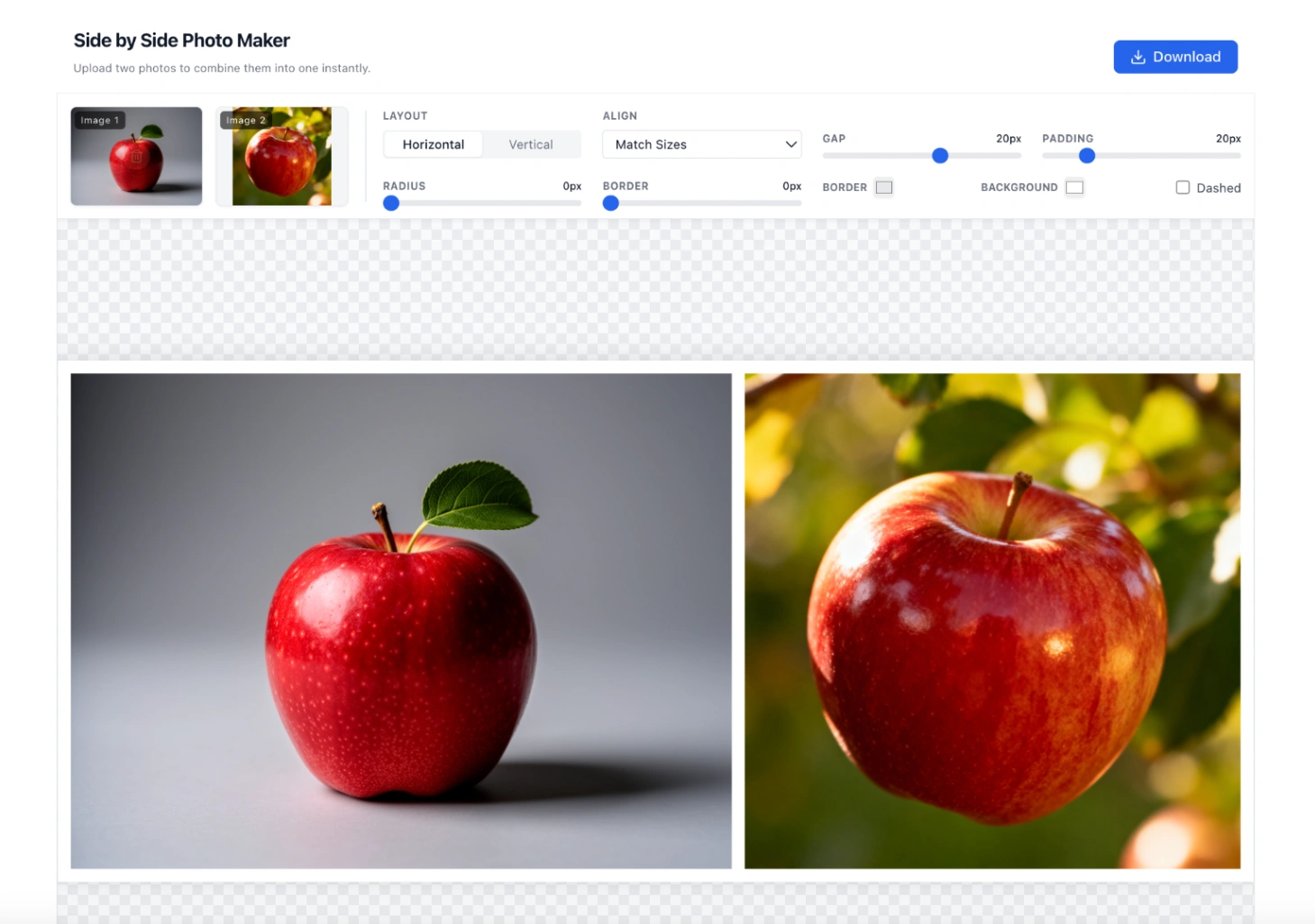
Navigate to the Side-by-Side Photo Maker and upload the 2 images you want to combine. We fully support PNG, WEBP, and JPG formats.
(Pro Tip: Upload images of similar resolution for the most balanced results).
Step 2: Choose Your Layout and Style
Select whether you want a Horizontal (left and right) or Vertical (top and bottom) layout. You have complete creative control here: use simple sliders to customize the gap between photos, adjust border thickness, add padding, and pick a custom background color to match your brand.
Step 3: Preview and Download
Preview your combined image in real-time. Once you are happy, click download to save the high-definition, 4K-ready photo instantly. There are no watermarks and no accounts needed!
Method 2: How to Combine Two Photos in One Frame Seamlessly (AI Blend)
What if you don't just want photos next to each other, but want to actually merge them into a single, cohesive scene? Our advanced AI Photo Merger handles complex facial blending and lighting adjustments naturally.
Step 1: Upload Photos to the AI Combiner
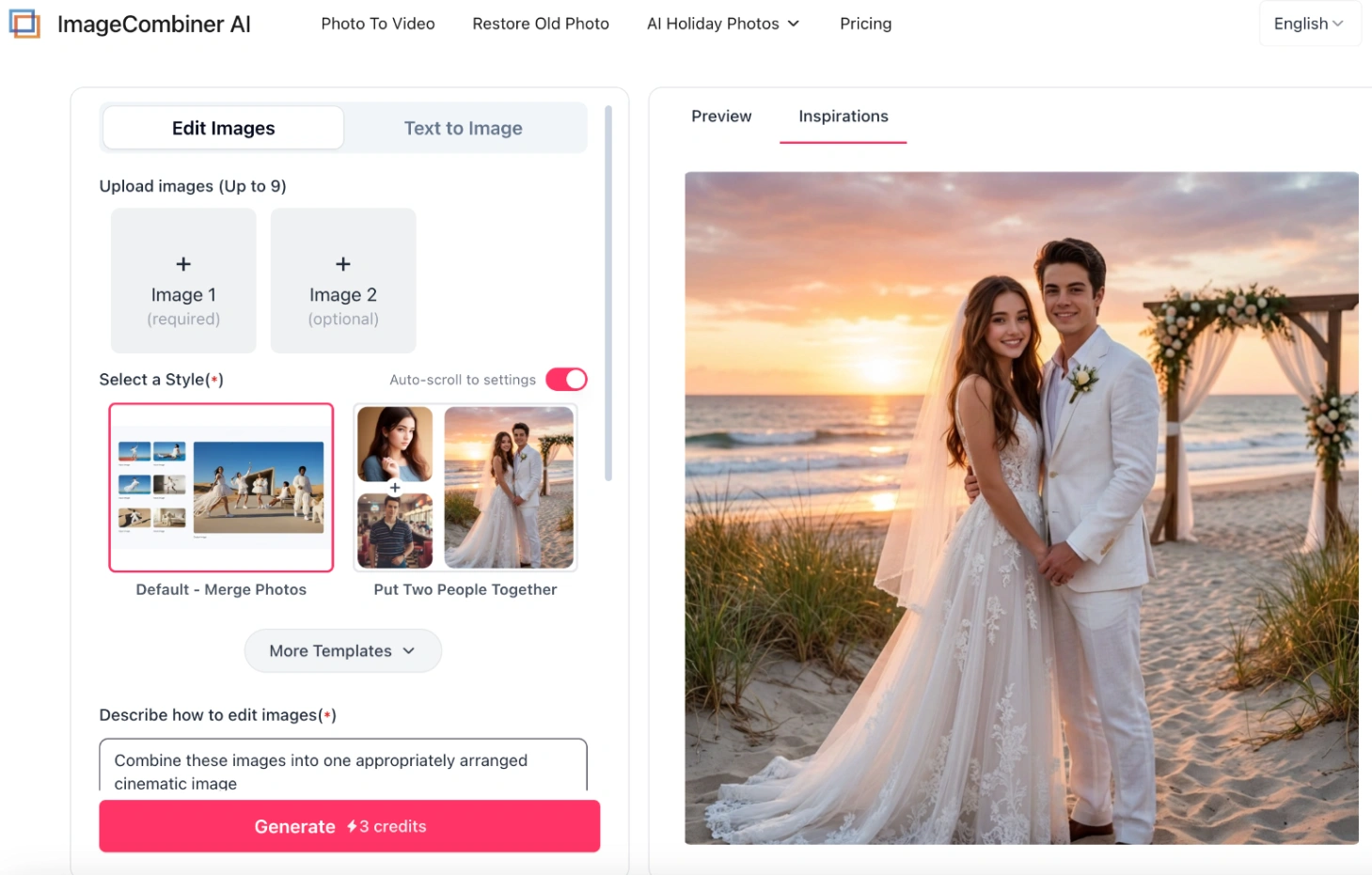
Go to the AI Image Combiner homepage and upload your photos (you can upload anywhere from 1 to 9 images).
Step 2: Choose a Template or Prompt
Choose a smart template (like "Put Two People Together") or type a custom text prompt to describe exactly how you want the AI to merge the images.
Step 3: Generate the Seamless Blend
Click "Generate". The AI will stitch backgrounds, blend lighting instantly, and deliver a seamless composition.
💡 Want to get creative? Check out our viral guide: 50+ Best AI Prompts to Combine Two Photos in One Frame to learn how to change backgrounds, apply artistic style transfers, and create cinematic masterpieces.
5 Popular Use Cases for Side-by-Side Pictures
Whether you're tracking personal progress or creating marketing assets, combining two images is the ultimate tool for visual storytelling.
1. Classic Before & After Transformations
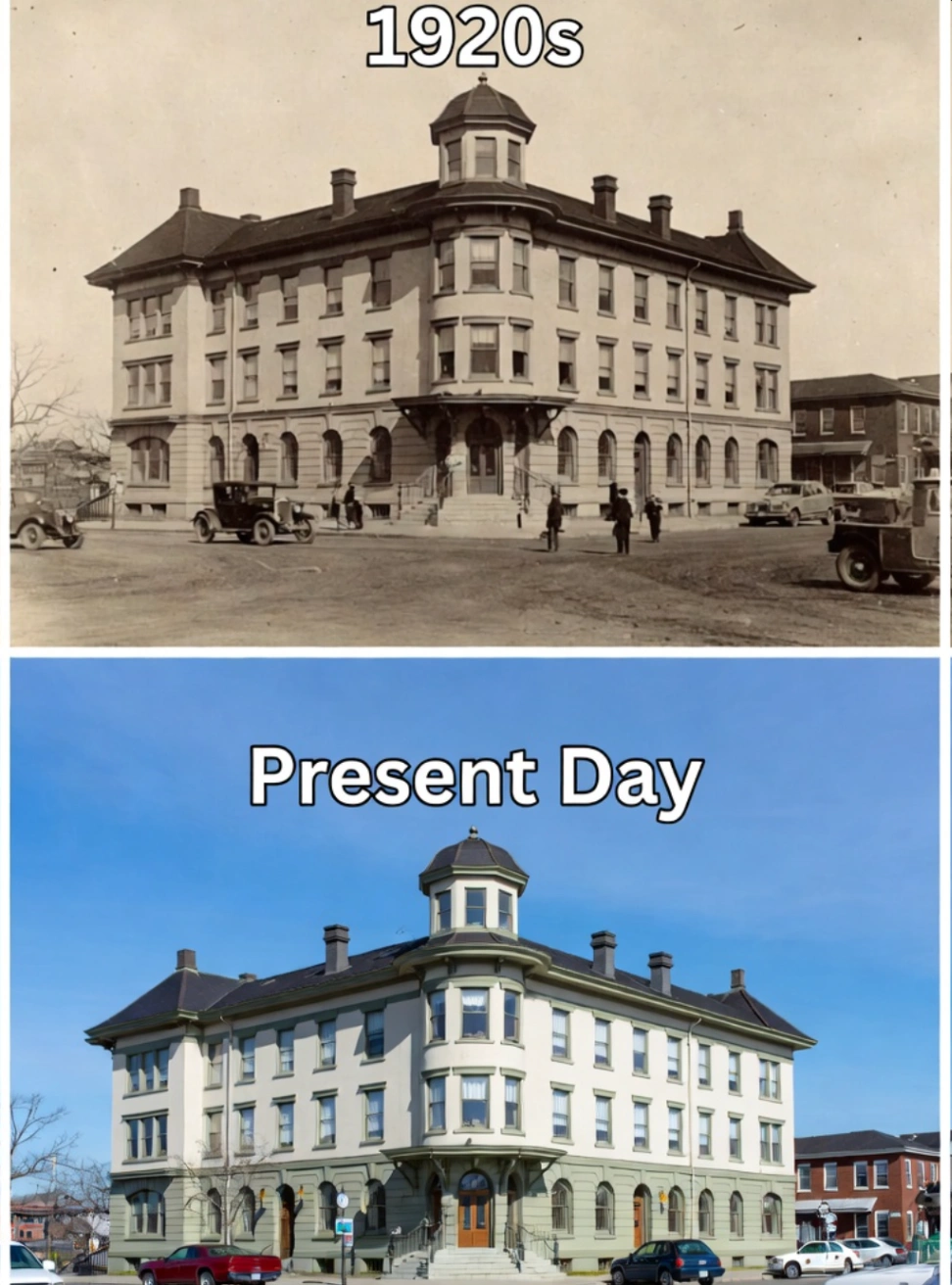
The most effective way to showcase hard work. Put two photos side by side to highlight fitness and weight loss journeys, skincare results, dental whitening, or home renovation projects in a single high-definition frame.
2. Couples & Long-Distance Relationships
Create beautiful memories even when you are miles apart. You can place your selfies side by side, or better yet, use our AI Couple Photo Maker to intelligently blend you both into a romantic, hyper-realistic portrait.

3. Outfit & Fashion Comparisons (Who Wore It Better?)
Level up your engagement on Instagram and TikTok. Create side-by-side layouts for daily outfit checks, "Expectation vs. Reality" memes, or viral social media challenges.
4. E-commerce & Product Reviews
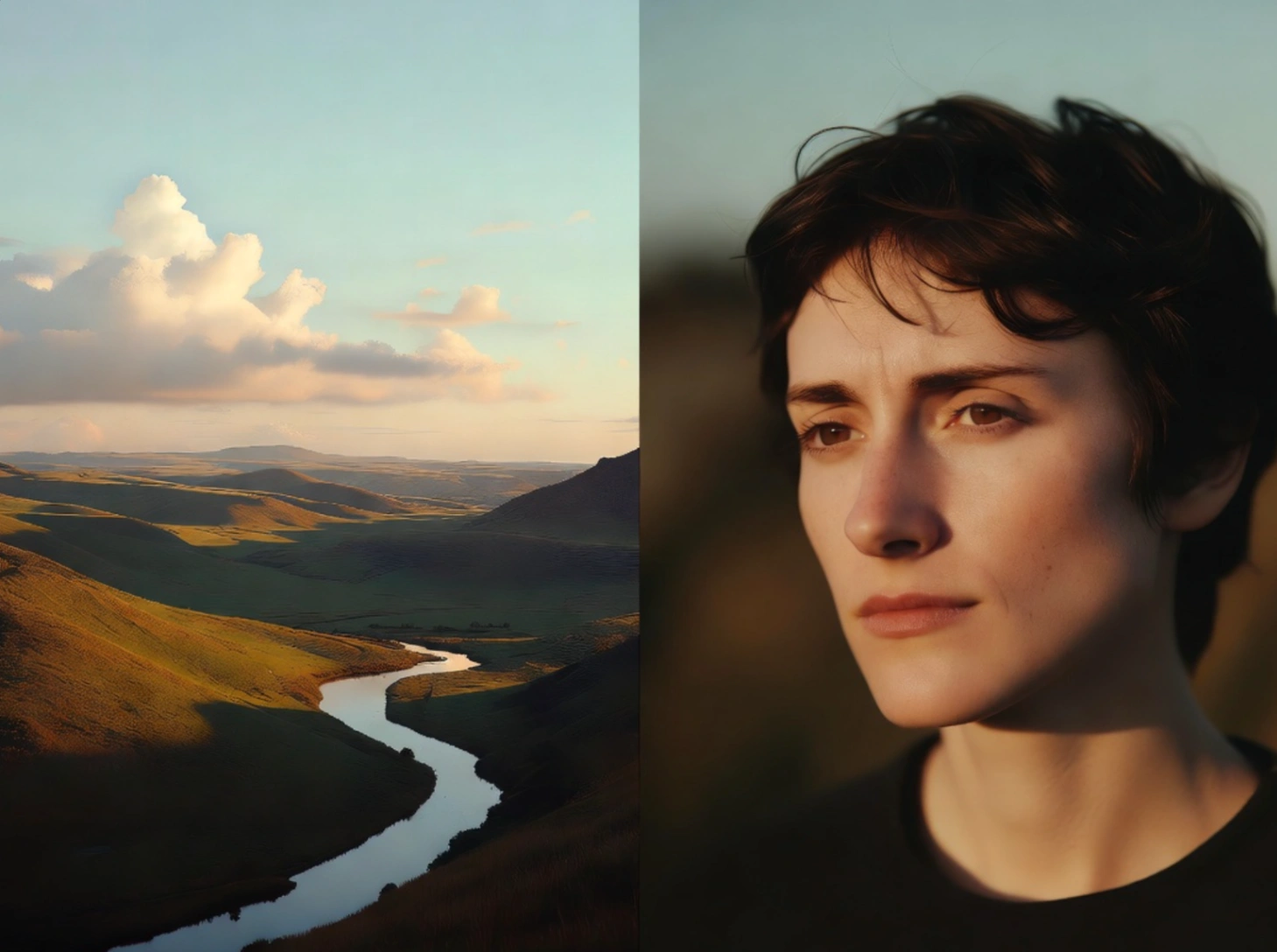
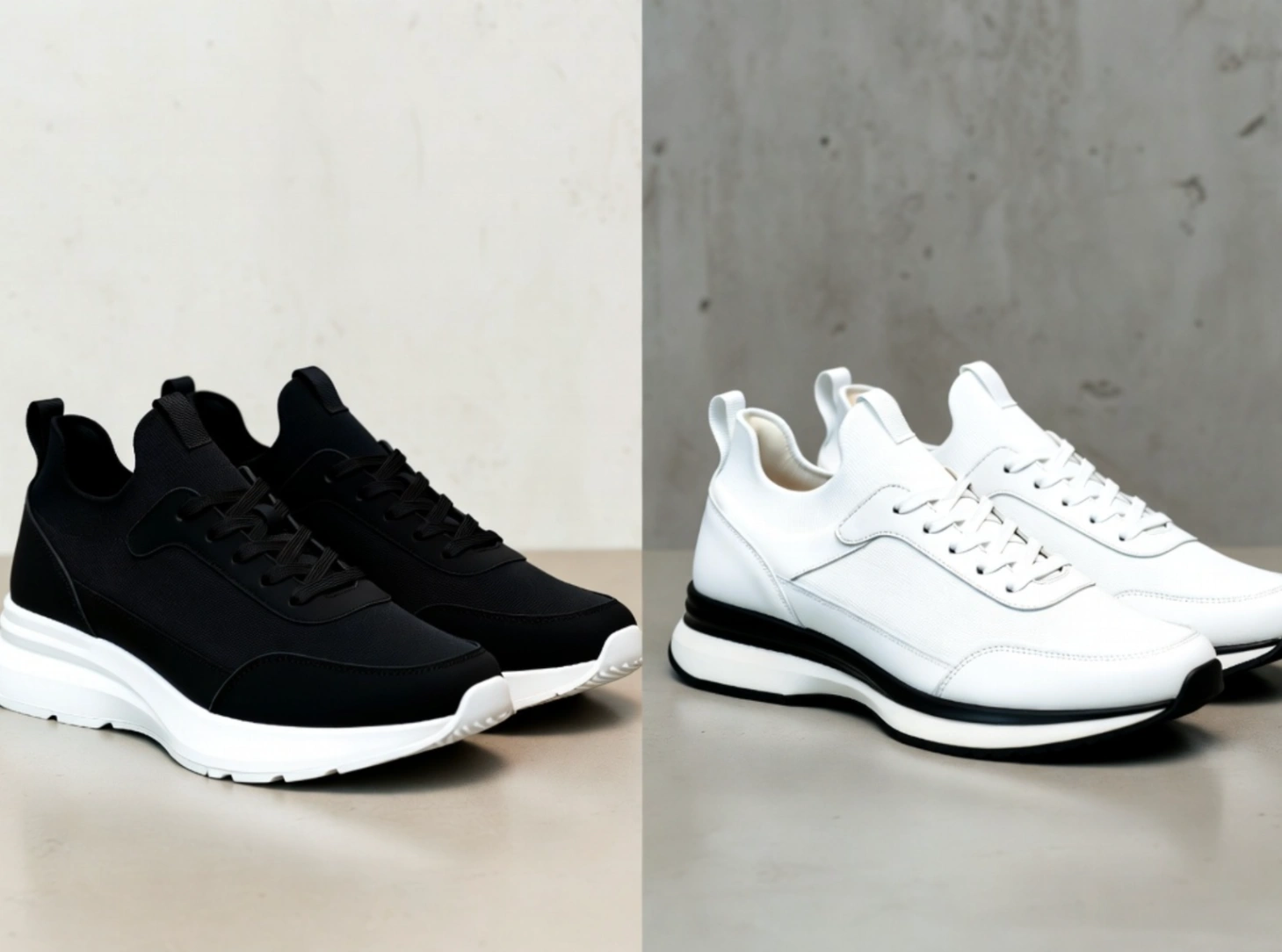
Create clear product comparisons for your online store. Combine images to show different product angles (front vs. back), color variations, or compare your items against competitors. It is ideal for Amazon, Shopify, and Etsy sellers looking to build trust instantly.
5. Tribute & Memorial Photos
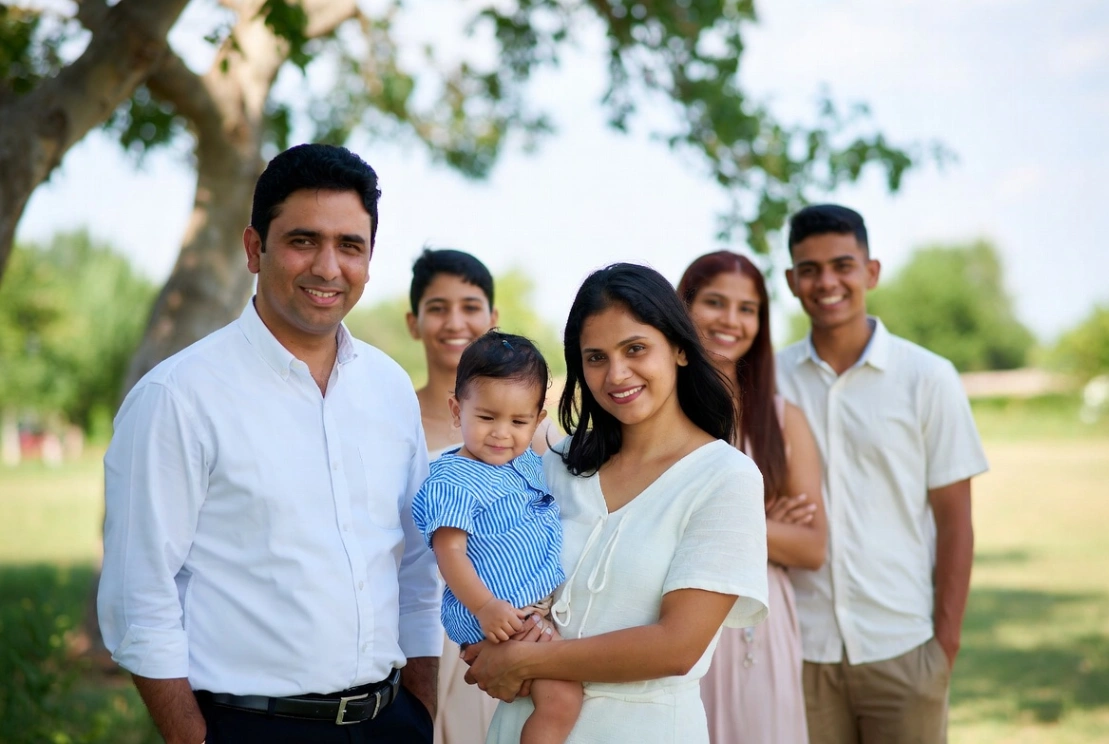
Honor loved ones who couldn't be present. While a side-by-side layout works well for "Then vs. Now" historical comparisons, you can use our dedicated Add Person to Photo AI tool to seamlessly integrate a missing family member into a group reunion photo.
Why Use ImageCombinerAI Instead of Apps or Canva?
With so many photo editing options out there, why choose our web-based tools? Here is how we stack up against traditional mobile apps and complex design suites in 2026:
| Feature | Phone Apps | Canva / Adobe Express | ImageCombinerAI |
|---|---|---|---|
| Download Required? | Yes (Clutters storage) | No | No (100% Web-based) |
| Watermarks? | Often Yes | Free version limits | No Watermarks (Side-by-Side) |
| AI Smart Blending? | No | No (Manual dragging) | Yes (Automatic lighting & depth) |
| High-Res 4K Export? | Usually paid | Paid feature | Yes, fully supported |
| Ease of Use | Clunky on small screens | Requires account/login | 1-Click, No Sign-up (Side-by-Side) |
Frequently Asked Questions (FAQ)
Q: How to put two pictures side by side on iPhone or Android without an app?
A: You can easily combine photos without installing any apps. Our tool is 100% fully optimized for mobile browsers (Safari, Chrome). Simply open ImageCombinerAI on your phone, upload your two photos from your camera roll, adjust the settings, and save the generated image directly to your gallery.
Q: Is there a free online tool to combine photos without a watermark?
A: Absolutely. Our Side-by-Side Photo Maker is completely free to use with no hidden costs. You can customize your layout and download high-resolution results without any annoying watermarks or "pro" subscription limits.
(Note: Our advanced AI semantic blending tool offers free starter credits for previews, with affordable options for watermark-free commercial downloads).
Q: How do I merge two pictures into one realistic photo?
A: If you want your subjects to look like they were photographed in the exact same room, a basic side-by-side collage won't work. Instead, use our AI Image Combiner feature. It uses advanced algorithms to adjust fabric physics, skin tones, and environmental lighting for a flawless fusion.
Q: Are my uploaded photos secure?
A: Yes, your privacy is our priority. For our side-by-side tool, all image processing happens locally in your browser, meaning we do not store or share your personal photos.
Q: Does the side by side photo editor support 4K export?
A: Yes! Unlike many free tools that compress your images, our side-by-side image combiner fully supports high-resolution processing and up to 4K downloads, ensuring your photos stay crisp for printing or social media.
Start Combining Your Photos for Free
Gone are the days of downloading bulky apps or paying expensive subscriptions just to stitch two photos together. Whether you are creating a simple product comparison or an intricate AI-blended family portrait, ImageCombinerAI gives you professional-grade tools with zero experience required.
Ready to frame your photos? Choose your tool below and get started in seconds: