
50+ Best AI Prompts to Combine Two Photos in One Frame (2026 Guide)
In 2026, using AI to merge two images into a single, photorealistic masterpiece is more popular than ever. However, if you’ve ever tried using Midjourney, Stable Diffusion, or DALL-E to put two people together, you know the struggle: warped faces, unnatural lighting, and awkward proportions.
Writing the perfect combine two photos in one frame prompt is an art form. To save you hours of trial and error, we’ve tested and compiled the ultimate list of 50+ best AI prompts to seamlessly merge photos - covering romantic couples, family reunions, side-by-side frames, and seasonal themes.
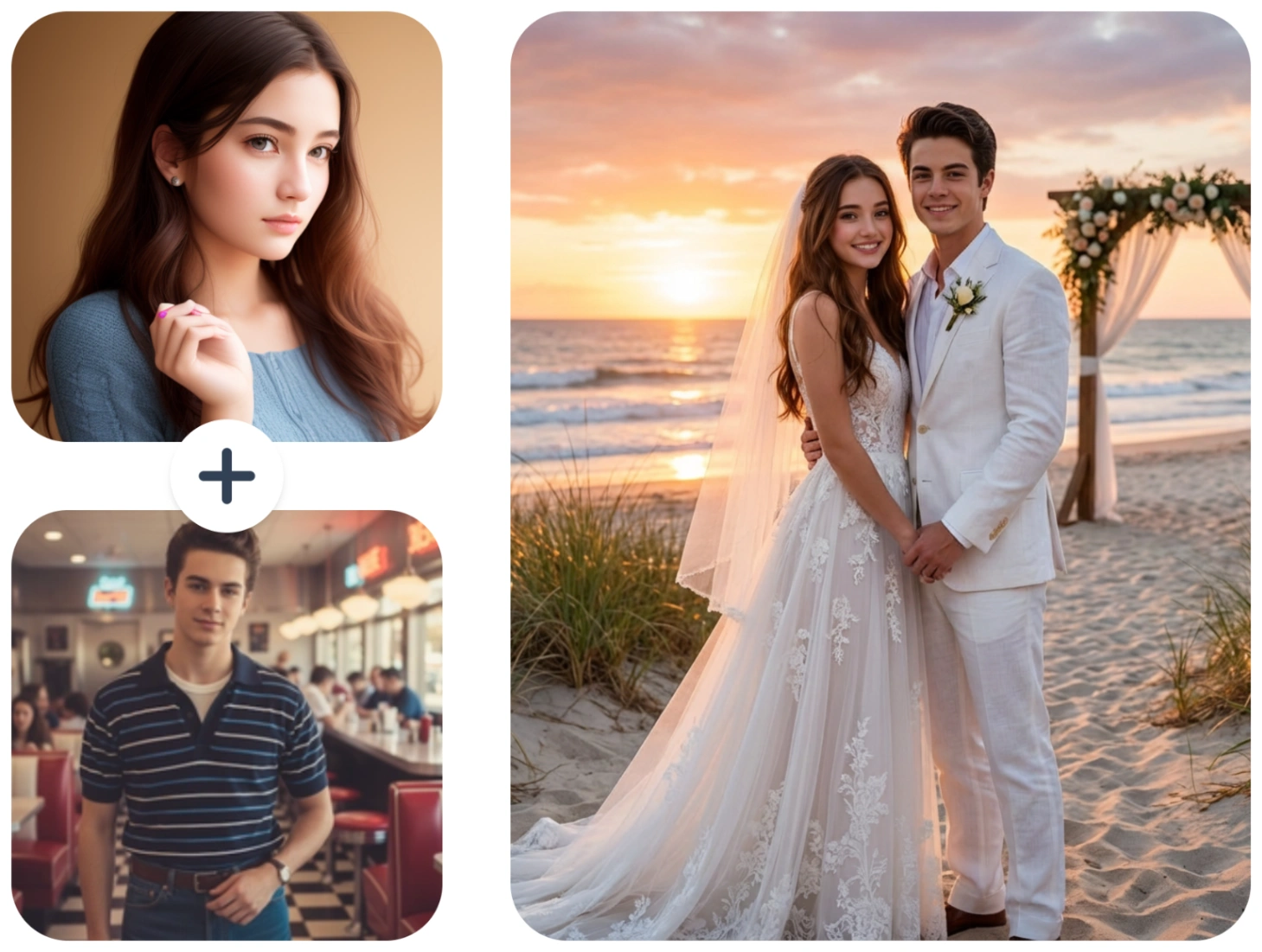
🚀 The Ultimate Shortcut: Don’t want to learn complex prompt engineering? Skip the hassle and use this free AI Image Combiner to merge your photos instantly, simply upload two photos, and it will automatically merge them into a single, realistic image in just seconds!
No credit card required · Instant Preview
The Easiest Way to Combine 2 Photos (No Prompts Needed!)
Before we dive into the massive list of prompts, let's address the elephant in the room. AI prompt engineering is hard, especially when trying to maintain the exact facial features of the people in your original photos (Face Consistency).
If you just want to put two people side by side without changing their faces, the easiest method in 2026 is using a dedicated AI image combiner.
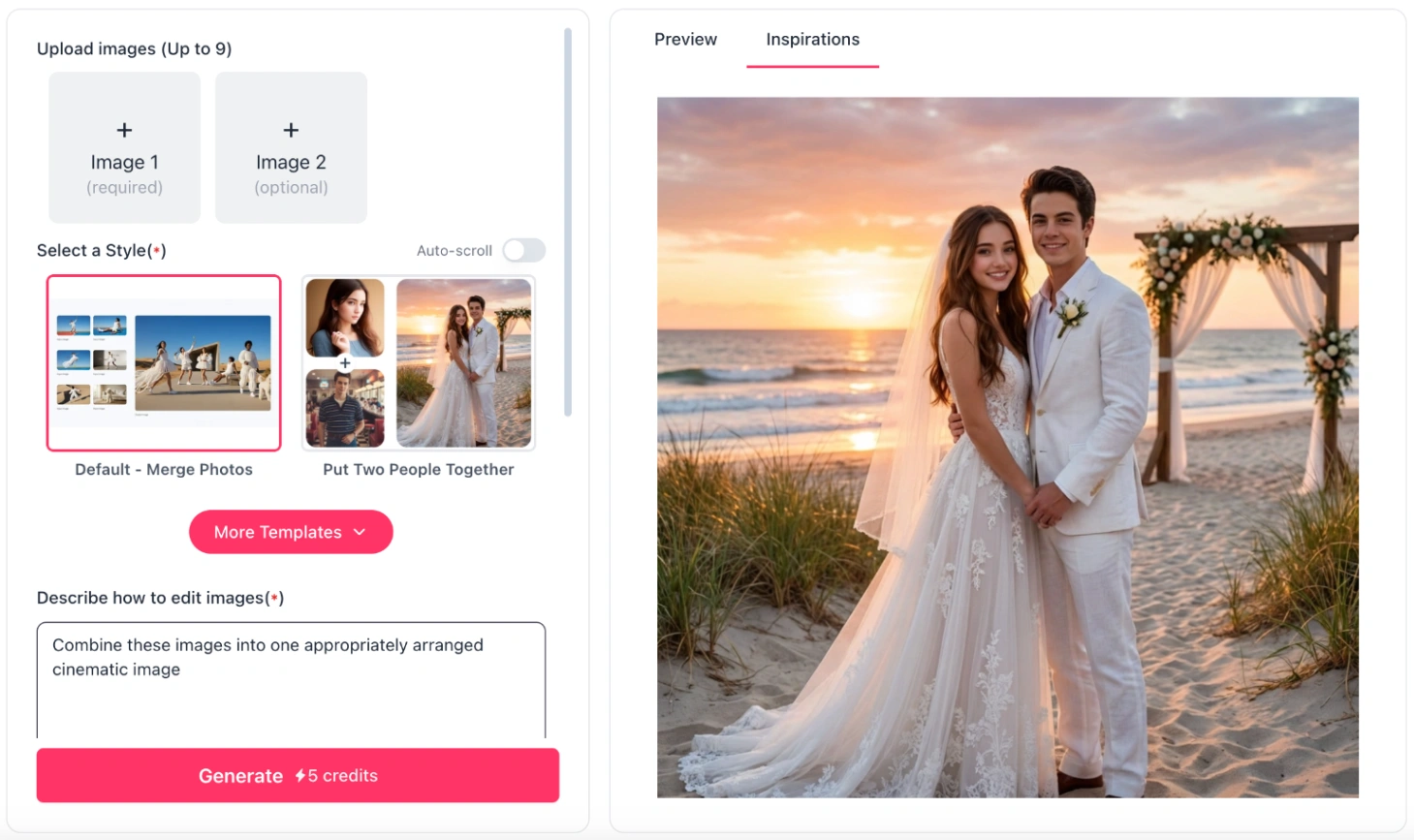
How to do it in 3 simple steps:
- Go to our online AI photo merger.
- Upload Photo A (Person 1) and Photo B (Person 2).
- Click Generate. Our advanced AI Image Combiner tool seamlessly blends lighting, shadows, and positioning, while ensuring that original facial features remain intact.
50+ Best AI Prompts to Combine Two Photos in One Frame
If you are using tools like Midjourney (using the /blend feature + text) or Stable Diffusion (using ControlNet), these prompts will guide the AI to generate stunning compositions. Replace [Person A] and [Person B] with your specific image references or descriptions.
1. Romantic & Couple Photo Prompts
Looking to create a realistic couple photo from two separate images? These prompts focus on natural intimacy and romantic settings.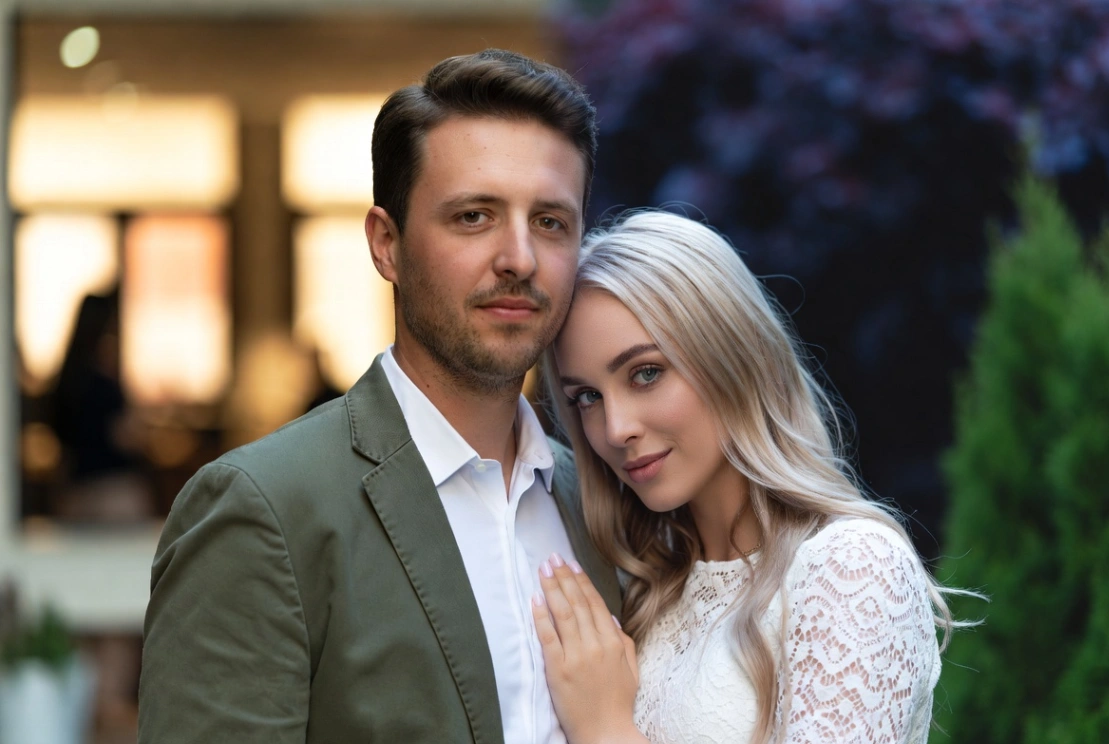
💡 Pro Tip: Want a hyper-realistic couple photo instantly? Try our free AI Couple Photo Maker online!
[Person A] and [Person B] standing together, holding hands in a sunlit park, golden hour lighting, shot on 35mm lens, photorealistic, cinematic, highly detailed.A romantic portrait of [Person A] and[Person B] hugging warmly, soft studio lighting, blurred background, 8k resolution, ultra-realistic.[Person A] and [Person B] sitting side by side on a cozy cafe sofa, sharing a cup of coffee, natural window light, candid photography style.[Person A] wrapping arms around [Person B] from behind, smiling at the camera, beautiful sunset beach background, ocean waves, glowing light.A beautiful wedding style portrait of [Person A] and [Person B] in elegant attire, standing under a floral arch, soft pastel colors, highly detailed faces.[Person A] and [Person B] looking deeply into each other's eyes, neon city lights in the background, cyberpunk romance vibe, cinematic lighting.Candid shot of [Person A] and [Person B] laughing together under an umbrella in the rain, street photography, moody atmosphere.[Person A] and [Person B] posing closely for a selfie, casual clothes, bright sunny day, smartphone camera style, hyper-realistic.A romantic evening walk, [Person A] and[Person B] walking side by side down a cobblestone street, warm streetlamps, cinematic depth of field.
2. Side-by-Side & Split Frame Prompts
If you are searching for a "two photos in one frame prompt" where both subjects are clearly separated but stylistically matched, use these.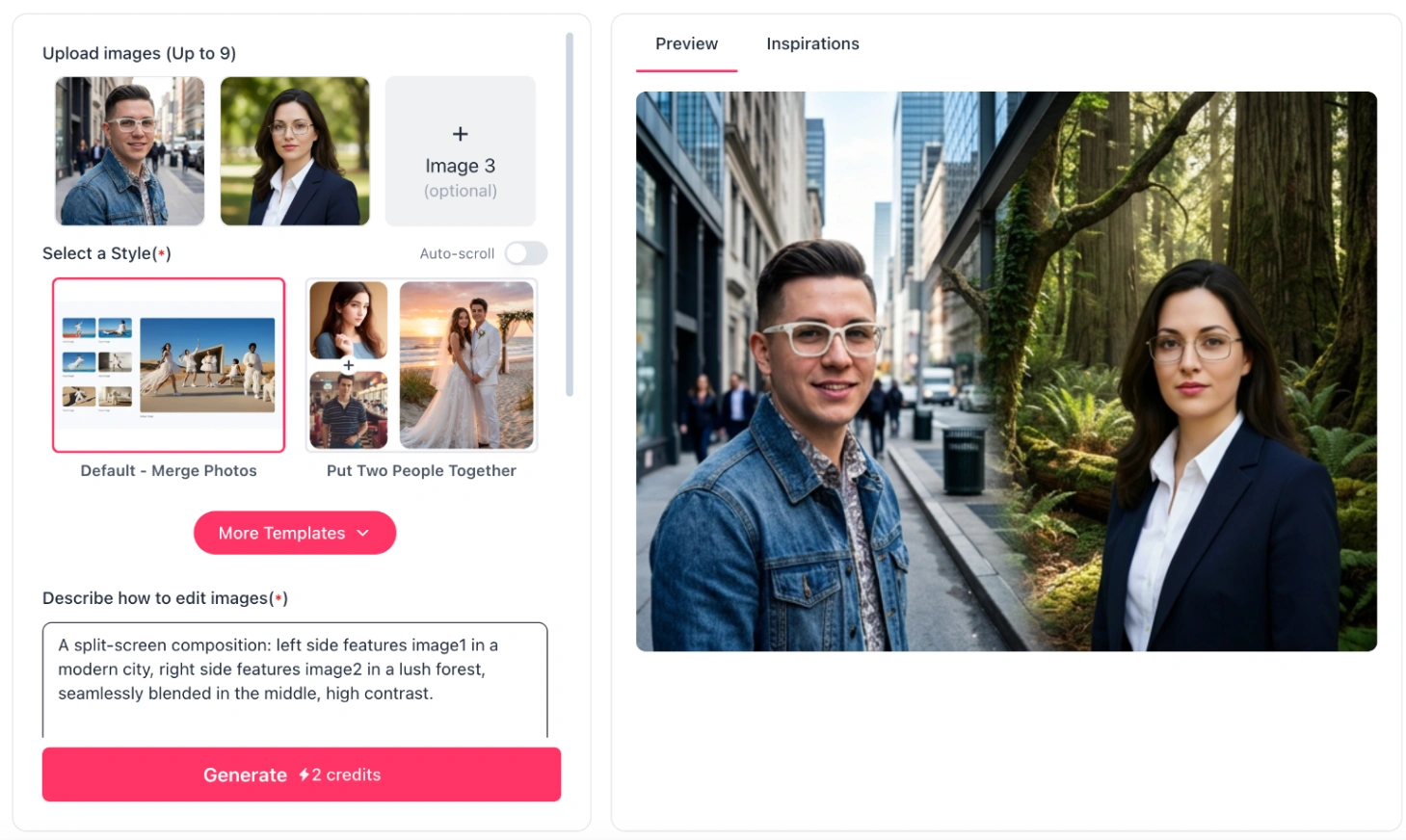
A split-screen composition: left side[Person A] in a modern city, right side [Person B] in a lush forest, seamlessly blended in the middle, high contrast.Two polaroid photos pinned to a corkboard side by side, one showing [Person A], the other showing [Person B], vintage aesthetic, warm lighting.A side-by-side portrait collage in a single frame, [Person A] on the left and [Person B] on the right, matching studio lighting, cohesive color grading.A symmetrical composition featuring [Person A] and [Person B] standing shoulder to shoulder, minimalist white background, high fashion editorial style.Double exposure effect blending the face of[Person A] and [Person B] into a single artistic frame, ethereal lighting, surreal masterpiece.A beautiful wooden picture frame holding a side-by-side image of [Person A] and [Person B], placed on a cozy fireplace mantel, photorealistic.Split frame portrait, cinematic lighting, [Person A] looking right, [Person B] looking left, creating a visual dialogue, 8k, hyper-detailed.A diptych style photography layout combining [Person A] and [Person B] in one seamless horizontal frame, matching tone and exposure.Two people, [Person A] and [Person B], standing side by side looking directly at the camera, matching outfits, flat lighting, clean background.
3. Adding a Person to a Group/Family Photo Prompts
Want to reunite with someone who couldn't be there, or merge memorial photos of loved ones?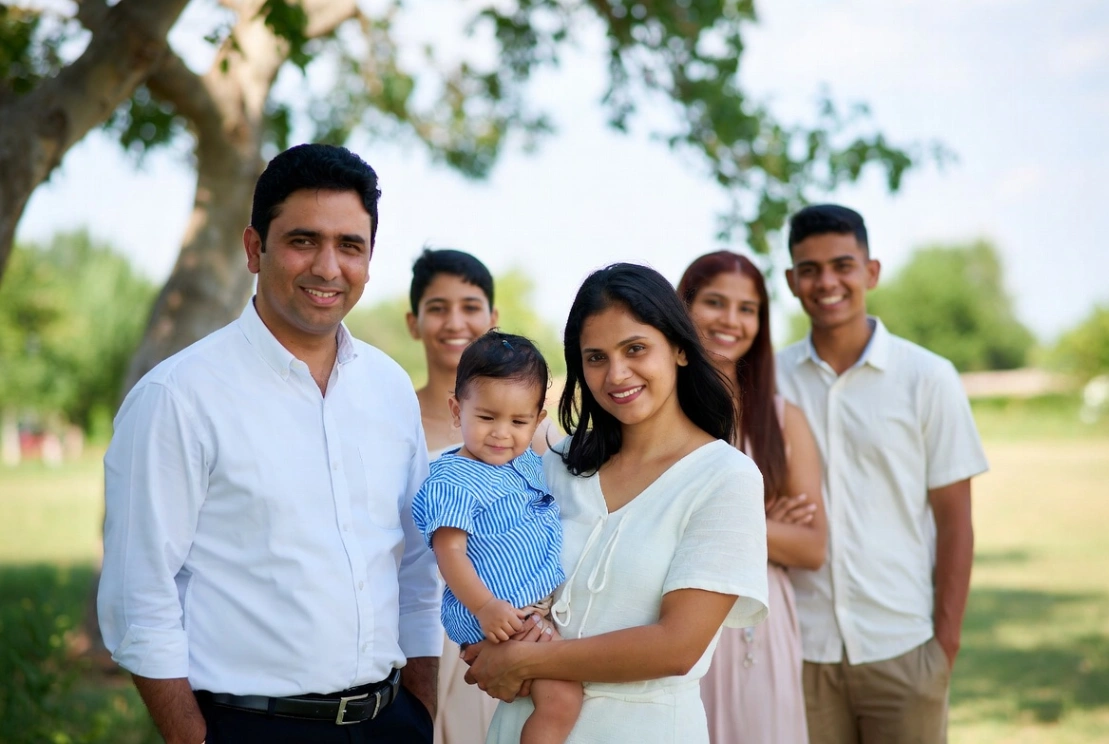
💡 Pro Tip: Merging faces realistically into a group is incredibly hard for text-to-image AI. Use our dedicated Add Person to Photo tool to do this flawlessly without losing facial identity.
A heartwarming family photo, [Person A] and [Person B] standing together in a cozy living room, smiling, natural indoor lighting, 8k resolution.[Person A] standing next to [Person B] in a group setting, seamlessly blended, matching shadows and skin tones, photorealistic.A beautiful outdoor family picnic portrait, [Person A] and [Person B] sitting together on a blanket, sunny day, vibrant colors, DSLR photography.[Person A] warmly resting their hand on [Person B]'s shoulder, family portrait style, studio gray backdrop, professional lighting.A vintage style family reunion photo combining [Person A] and [Person B] in a single frame, sepia tone, nostalgic atmosphere.[Person A] and [Person B] standing together at a graduation ceremony, wearing gowns, bright daylight, joyous expression, hyper-detailed.A memorial style portrait,[Person A] and [Person B] standing side by side, angelic soft white lighting, peaceful and serene atmosphere.[Person A] and [Person B] grouped together seamlessly in a holiday dinner setting, warm candlelight, high resolution, matching perspectives.
Flawless Face-ID Preservation · Seamless AI Blending
4. Holiday & Seasonal Frame Prompts
Perfect for greeting cards! (Or use our AI generators to make Valentine's Day Photos, Christmas Photos, and New Year Cards instantly).
- Christmas:
[Person A] and [Person B] wearing ugly Christmas sweaters, standing in front of a beautifully decorated Christmas tree, warm glowing lights, festive. - Christmas:
[Person A] and[Person B] building a snowman together, snowy winter landscape, wearing scarves, joyful expression, photorealistic. - Valentine's Day:
[Person A] and [Person B] holding a giant red heart balloon together, romantic pink and red background, soft lighting. - Valentine's Day:
A romantic candlelit dinner, [Person A] and [Person B] sitting across from each other, elegant, Valentine's Day aesthetic, 8k. - New Year:
[Person A] and [Person B] holding champagne glasses, celebrating New Year's Eve, fireworks in the night sky background, cinematic. - New Year:
[Person A] and[Person B] wearing sparkly party hats, golden confetti falling around them, vibrant party lighting, ultra-detailed. - Halloween:
[Person A] and [Person B] standing side by side in spooky Halloween costumes, foggy graveyard background, cinematic dark lighting. - Summer/Vacation:
[Person A] and [Person B] walking on a tropical beach together, palm trees, clear blue water, bright summer sunlight.
5. Fantasy & Artistic Blends
Want to turn two photos into an epic masterpiece? Try these artistic prompts.An oil painting style portrait of [Person A] and[Person B] standing together like royal figures, classical art style, rich colors, Rembrandt lighting.[Person A] and [Person B] illustrated in a Studio Ghibli anime style, standing in a magical glowing forest, lush green nature, highly detailed.A cyberpunk style render of [Person A] and [Person B] side by side, neon pink and blue lighting, futuristic city background, Unreal Engine 5 render.[Person A] and [Person B] drawn in a vintage comic book pop-art style, halftone dots, vibrant colors, dramatic action pose.A surreal double portrait of [Person A] and [Person B] merging with cosmic galaxies and stars, ethereal, highly creative, digital art.[Person A] and [Person B] as fantasy RPG characters, standing back to back, wearing medieval armor, magical glowing background.A watercolor painting of [Person A] and [Person B] holding hands, soft pastel colors, dreamy and romantic atmosphere.A Pixar 3D animated style render of [Person A] and [Person B] standing together, big expressive eyes, colorful and fun.
6. Professional & Business Headshots
For LinkedIn, team pages, or co-founder announcements.A professional corporate photo of[Person A] and [Person B] standing side by side, wearing business suits, modern office background, bright lighting.[Person A] and [Person B] posing as co-founders, arms crossed, confident expressions, clean white studio background, 8k, photorealistic.A dual headshot frame: [Person A] on the left, [Person B] on the right, matching corporate gray background, seamless blending.[Person A] and [Person B] sitting together at a boardroom table discussing a document, professional business photography, natural office light.[Person A] and [Person B] standing in a modern tech startup office, glass walls, blurred background, cinematic corporate lighting.Side-by-side LinkedIn profile style portraits of [Person A] and [Person B] merged into one banner image, highly professional, sharp focus.[Person A] and [Person B] shaking hands in front of a city skyline, successful business partnership concept, golden hour.Clean, minimalist studio portrait of [Person A] and [Person B] shoulder-to-shoulder, high-end editorial business magazine style.
Anatomy of a Perfect AI Merging Prompt in 2026
To combine two images successfully with AI, your prompt needs structure. Here is the ultimate formula to use:
The Formula:
[Subject A] and [Subject B] + [Action/Pose] +[Environment/Background] + [Lighting Conditions] + [Camera Specs/Style]
Example:
John and Mary (Subjects) hugging and smiling (Action) in a busy New York street (Environment), golden hour sunlight (Lighting), shot on 50mm lens, photorealistic (Style).
Crucial Negative Prompts (What to avoid):
When generating, always use negative prompts to stop the AI from ruining the image:
deformed faces, mismatched lighting, extra fingers, blended bodies, weird proportions, bad anatomy, cartoonish, low resolution.
3 Common Mistakes to Avoid When Blending Photos
If you want to put two people together in a picture realistically, avoid these three amateur mistakes:
- Ignoring Lighting Direction: If Photo A has sunlight hitting the face from the left, and Photo B has shadows on the left, merging them will look fake. AI prompts must specify a unified lighting source (e.g., "flat studio lighting" or "backlit").
- Losing Face Consistency: Traditional AI generators will often change the faces of the people you upload to make the image "blend" better. Solution: Use ImageCombiner AI which uses specialized facial preservation algorithms to ensure maximum consistency of identity information.
- Bad Proportions: Make sure you specify the framing. If one photo is a close-up face and the other is a full-body shot, the AI will get confused. Use keywords like
half-body shot,portrait framing, orfull body.
Frequently Asked Questions (FAQs)
Q: What is the best AI prompt to put two people together?
A: The best prompt clearly defines the relationship and lighting. For example: "Two people standing side by side, seamlessly blended, matching studio lighting, photorealistic 8k, highly detailed faces."
Q: How do I combine two photos side by side without changing faces?
A: Standard AI text-to-image tools struggle with keeping faces exact. To combine photos without altering facial features, use a dedicated tool like ImageCombinerAI.com. It extracts the subjects and merges them seamlessly while preserving their exact likeness.
Q: Is there a free AI tool to merge photos without writing prompts?
A: Yes! ImageCombiner AI offers free credits and, by default, requires no prompt writing. Simply upload two photos, and the AI will automatically merge them into a single image while preserving the integrity of the subjects.
Conclusion & Next Steps
Whether you want to create a romantic couple portrait, a professional business team photo, or simply put two pictures side by side, the 50+ AI prompts above will give you incredible results in 2026.
However, prompt engineering can be time-consuming. Don't want to spend hours tweaking prompts and fixing deformed AI faces?
Free Trial · High-Quality AI Rendering in Under 1 Min