Professional AI Product Photography Generator
Transform standard product snapshots or text into studio-quality AI product photography. Generate multi-angle listings, apparel try-ons, and lifestyle scenes to effectively enhance your e-commerce catalog.
Complete E-commerce Listing Generation
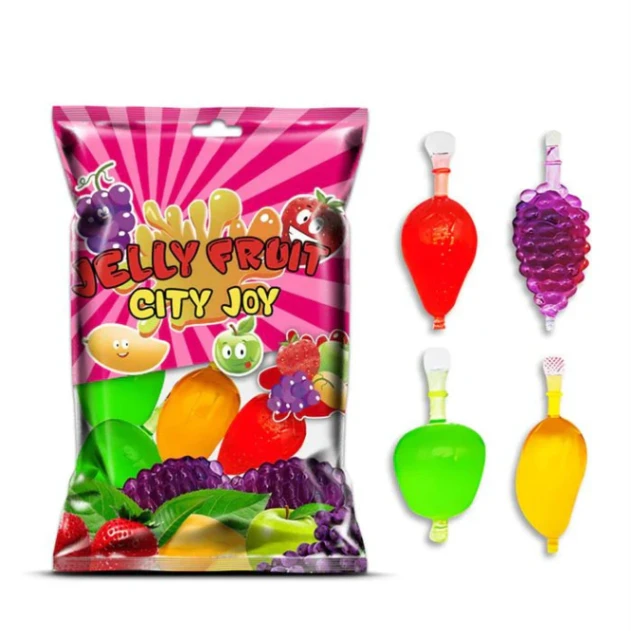
Turn a single basic photograph into a comprehensive product listing. Our AI product photography engine can systematically generate an four-image e-commerce set from one upload. It provides main product shots against pure white backgrounds alongside multi-angle views and lifestyle contextual images, meeting the strict formatting requirements of major platforms like Amazon and Shopify.
Seasonal Marketing Campaign Generation
Adapt your existing visual assets for different holidays and seasonal promotions efficiently. The AI product photography platform allows you to apply seasonal themes (such as winter holidays or summer vacations) to your current product catalog. This capability enables marketing teams to continuously output relevant promotional materials and social media content without requiring repetitive photography sessions.
Beauty and Cosmetics Scene Staging
Highlight the texture and premium quality of skincare and cosmetic items. Our AI product photography tool generates realistic lifestyle scenes utilizing natural lighting, elegant props, or organic elements like water splashes. By adjusting environmental reflections, it creates professional compositions that emphasize the visual appeal of beauty products in their intended usage context.
Food and Beverage Scene Creation
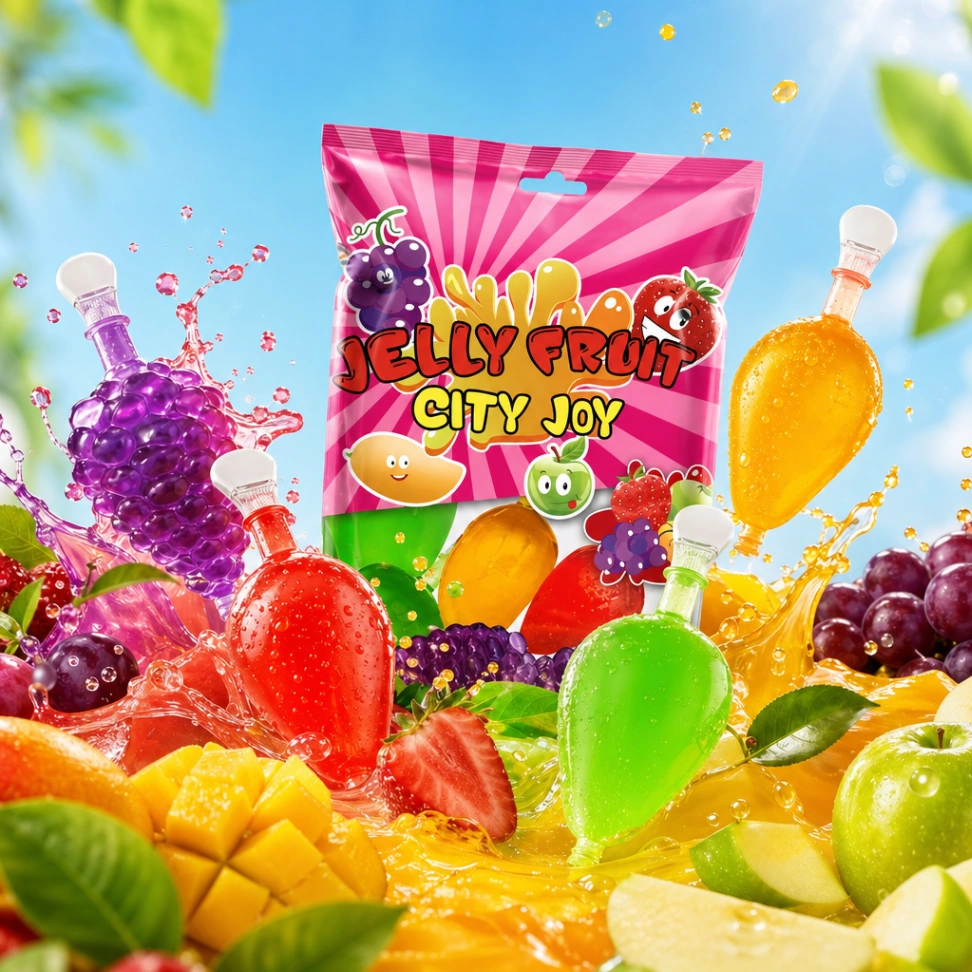
Develop appetizing visuals for packaged goods, fresh food, and beverages. Through precise control over lighting and contrast, our AI product photography generator produces dynamic compositions with rich shadows. By integrating themed props and appropriate background settings, it helps culinary brands display their offerings in visually engaging ways that highlight freshness and taste.
Furniture and Home Decor Placement
Digitally stage bulky or large-scale items such as sofas, tables, and wall art within correctly proportioned environments. The AI product photography workflow places your furniture into carefully designed living rooms or outdoor patios, calculating accurate dimensions and perspective. This approach effectively eliminates the logistical expenses associated with transporting goods to physical staging locations.
Apparel Virtual Try-On with AI Models
Present your clothing lines and accessories dynamically without arranging physical model photoshoots. By utilizing advanced virtual try-on algorithms, this AI product photography capability fits your apparel onto diverse, photorealistic human models. The system allows you to define the model demographics and poses while accurately preserving the original fabric drape and textile patterns.
Photography Cost Reduction
Significantly decrease the financial resources allocated to visual production. By transitioning to AI product photography, brands can bypass expenses related to studio rentals, professional lighting equipment, and physical model bookings while maintaining a high standard of visual output.
Strict Brand Detail Preservation
Maintain exact accuracy for your physical items. Our AI product photography engine utilizes specialized algorithms to ensure that the original shape, intricate textures, and specific brand logos remain entirely unaltered throughout the generation process.
Realistic Lighting and Shadows
Achieve visual authenticity that mimics physical photography. The tool analyzes the generated environment to apply complex lighting patterns, accurate reflections, and natural shadow casting, avoiding the flat or abstract look often associated with basic digital manipulation.
AI Background & Scene Generation
Upload a product photo, and the AI automatically isolates the subject and places it into any realistic background or full commercial scene. Choose from studio settings, natural light environments, or custom described scenarios, all without physical sets.
Natural Language Editing
Refine your results by simply describing what you want to change. Adjust backgrounds, lighting, model poses, or camera angles through conversational prompts, without needing to learn complex software.
Platform-Ready Resolution
Export visuals that meet modern digital standards. Our AI product photography system generates high-resolution outputs formatted properly for various distribution channels, ensuring appropriate aspect ratios for e-commerce storefronts and social media advertisements.