AI Background Remover
Experience our intelligent Background Remover to seamlessly remove background from your photos. It creates crisp transparent edges for products and portraits. Sign in to claim your free trial credits.
E-commerce Product Photography
To improve online sales, sellers often need a clean and transparent product image. Our Background Remover helps you extract items from cluttered environments automatically. When you remove background from product photos, you get a transparent layer that fits marketplace guidelines perfectly. This automated process saves hours of manual editing while keeping the edges of your merchandise sharp and professional.
Social Media Content Creation
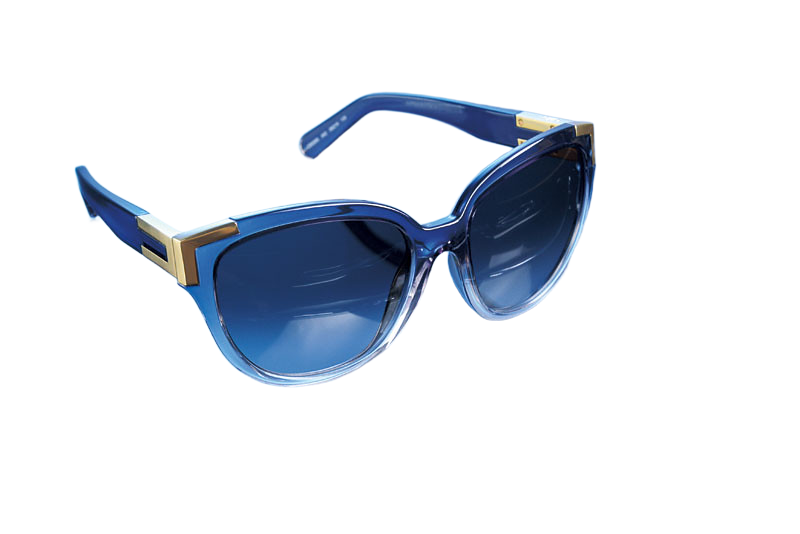
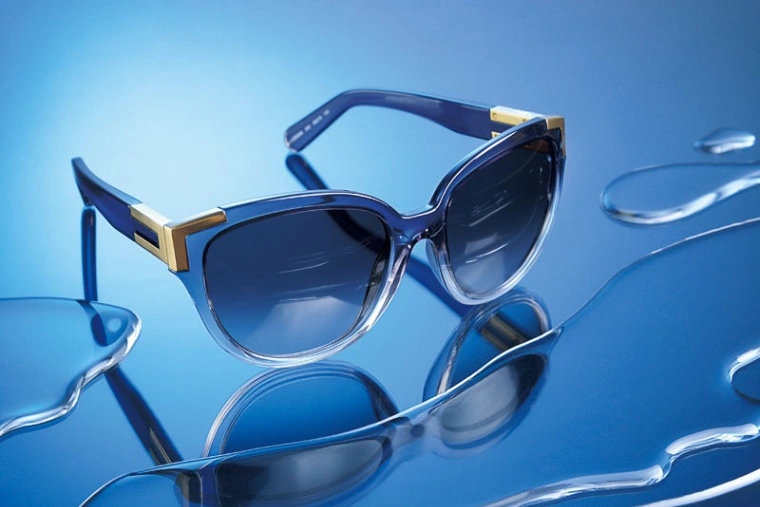
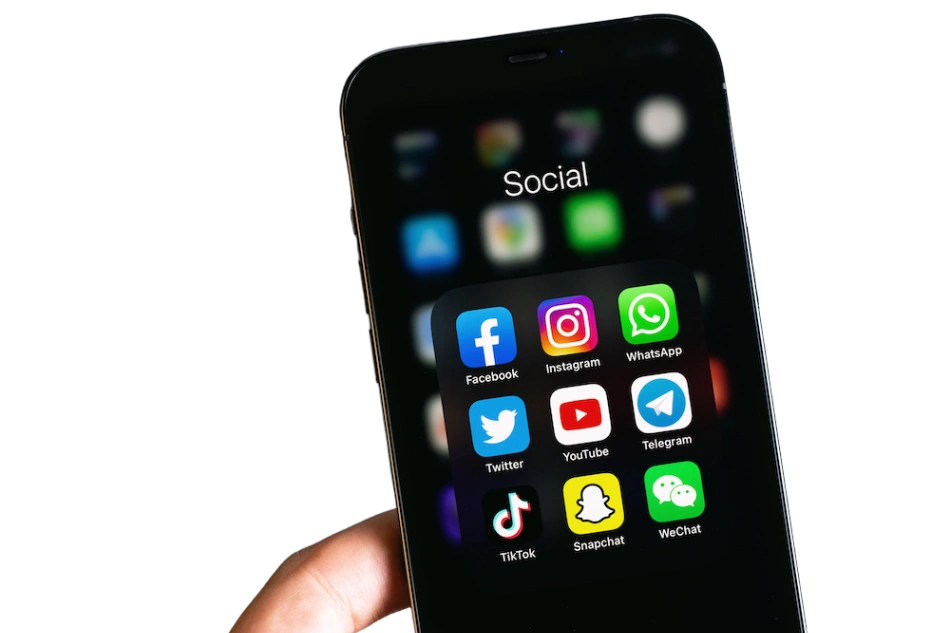
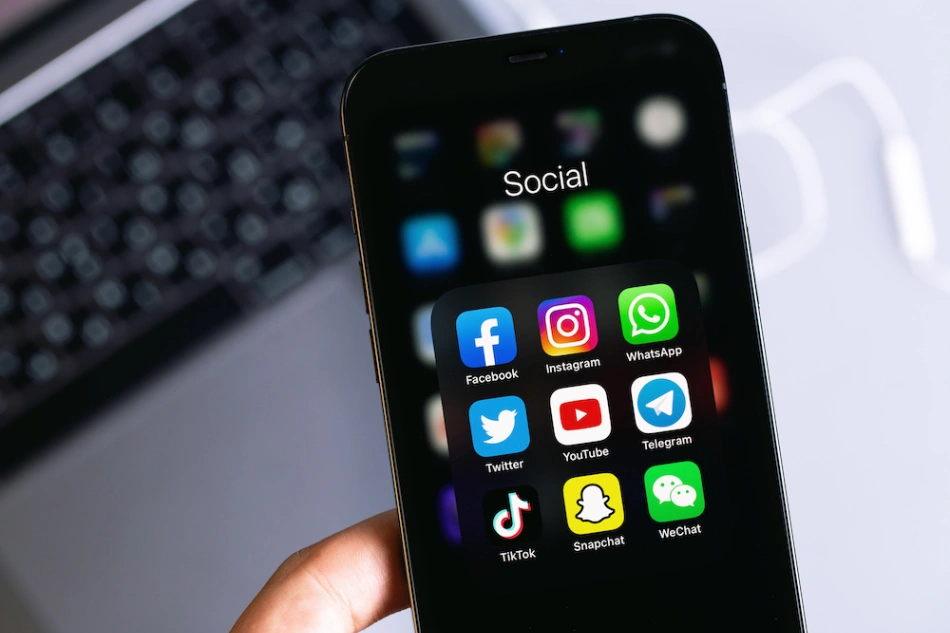
Content creators require engaging thumbnails and posts to capture audience attention. By using our tool to remove background from your portraits or objects, you can easily isolate the main subject. The Background Remover processes the visual elements carefully, allowing you to layer the extracted subject over other creative layouts to boost engagement.
Professional Portraits and Resumes
Presenting a polished image on professional networks is essential for career growth. You can utilize the Background Remover to detach yourself from a busy living room or outdoor setting. Once you remove background from your selfie, it becomes a crisp transparent file, ready to be placed on a standard color backdrop for your resume or corporate profile.


Graphic Design and Marketing
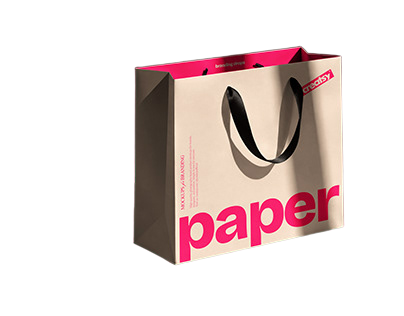
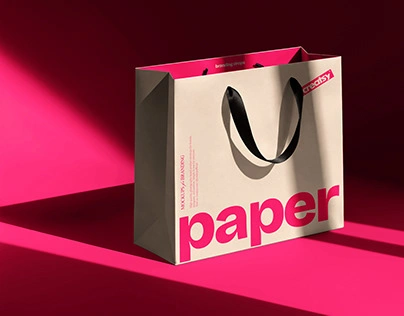
Designers frequently need isolated assets to build flyers, posters, and digital ads. Instead of spending time on complex selection tools, you can deploy our AI Background Remover to handle the heavy lifting. It identifies the primary subject and lets you remove background with precision, outputting high-resolution transparent PNG files that integrate smoothly into your design workflow.
Automotive and Real Estate Listings
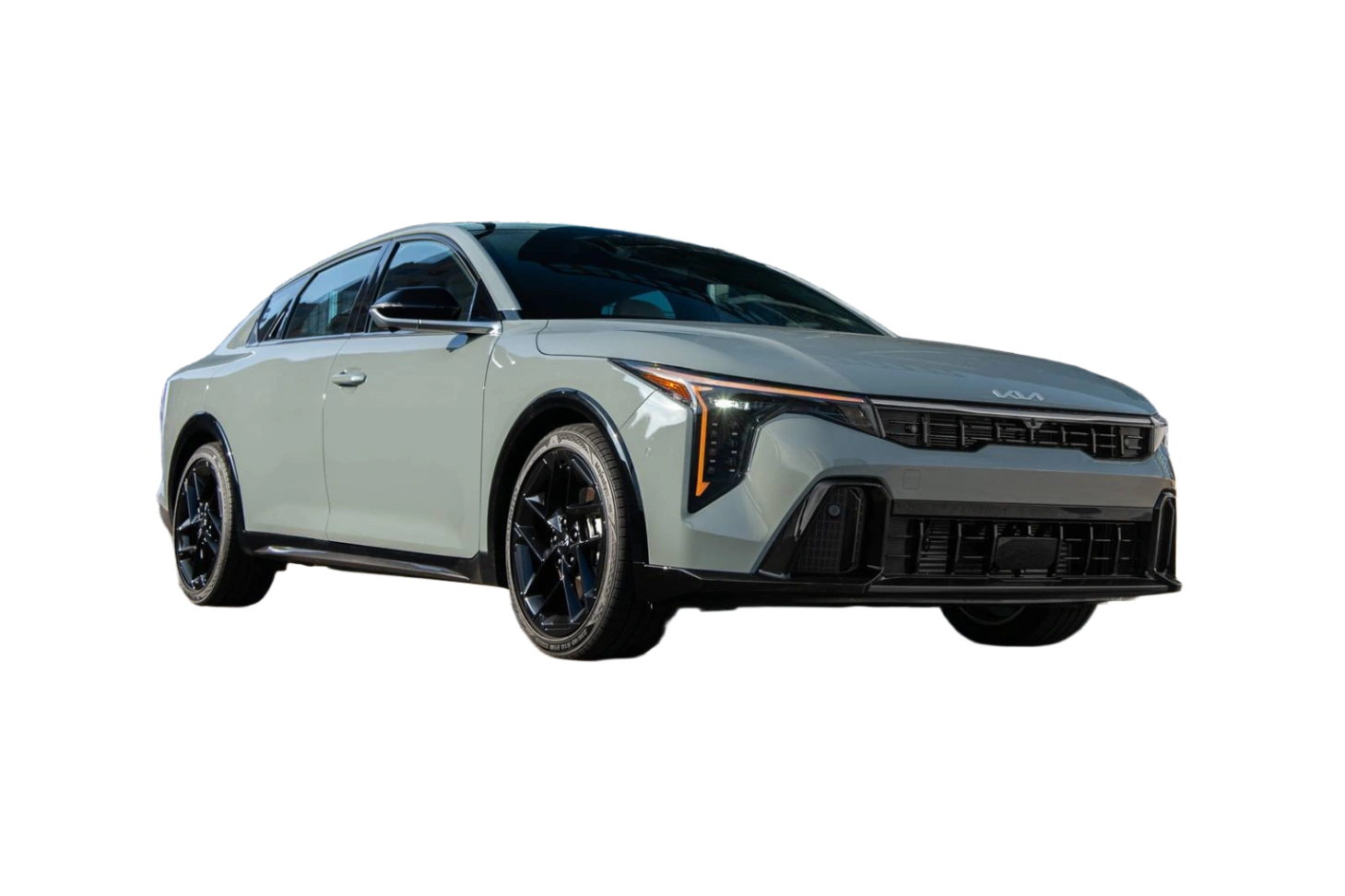
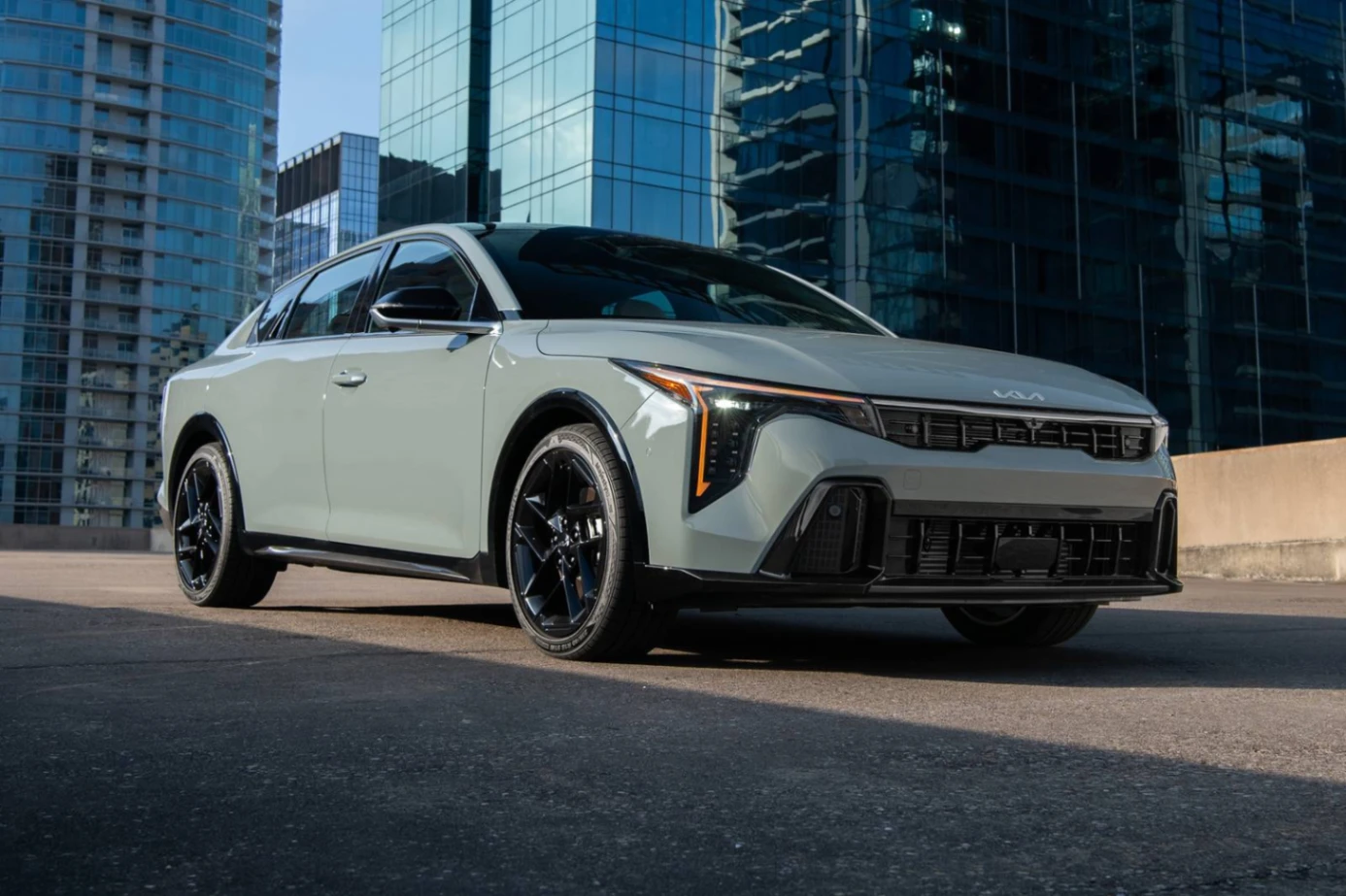
Dealerships and real estate agents rely on high-quality visuals to attract buyers. If an original photo features an unappealing sky or a messy showroom, our Background Remover can isolate the car or building efficiently. When you remove background from these complex subjects, you preserve the intricate details of the vehicle or property architecture.
Personal Entertainment and Stickers
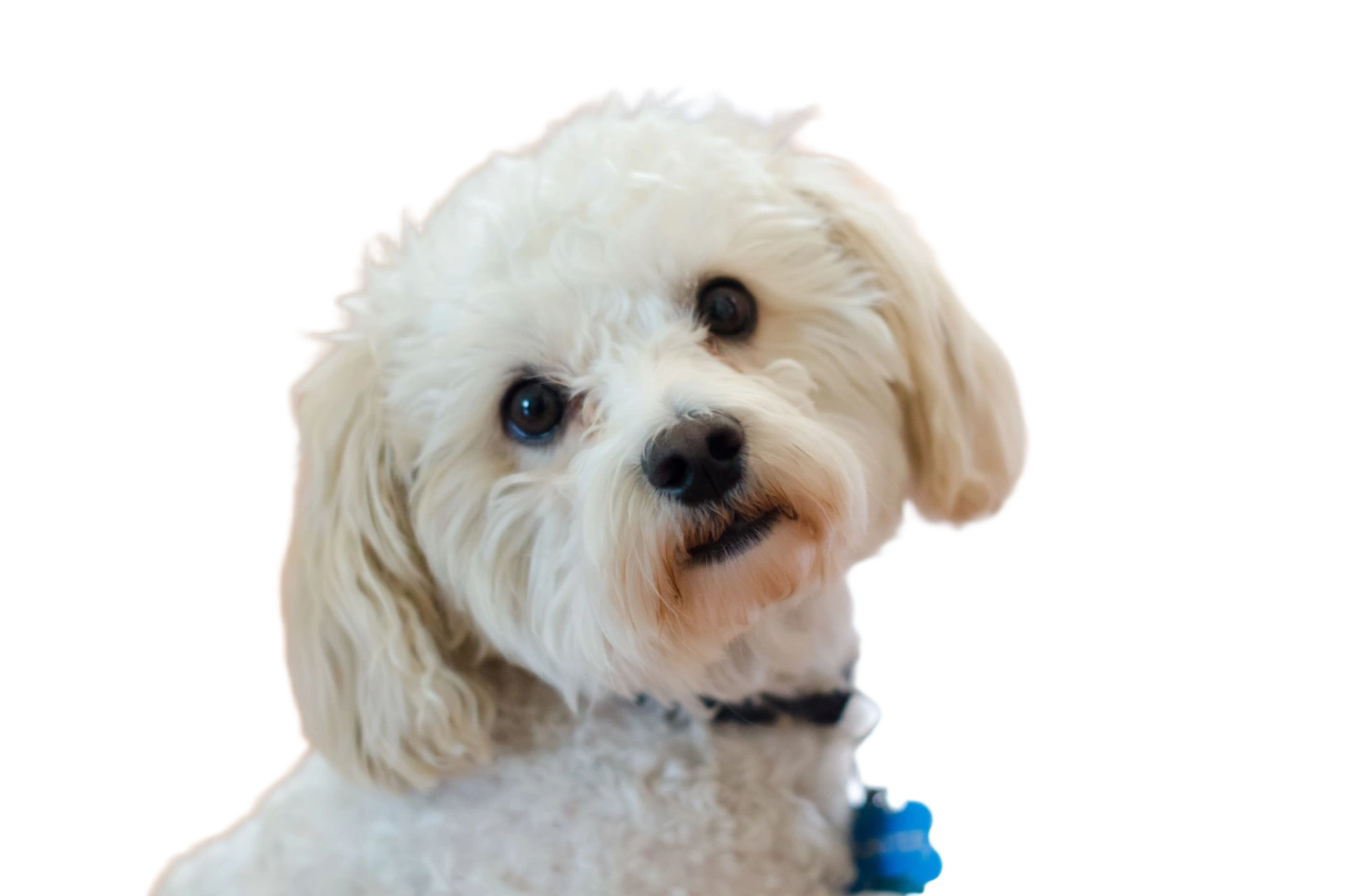
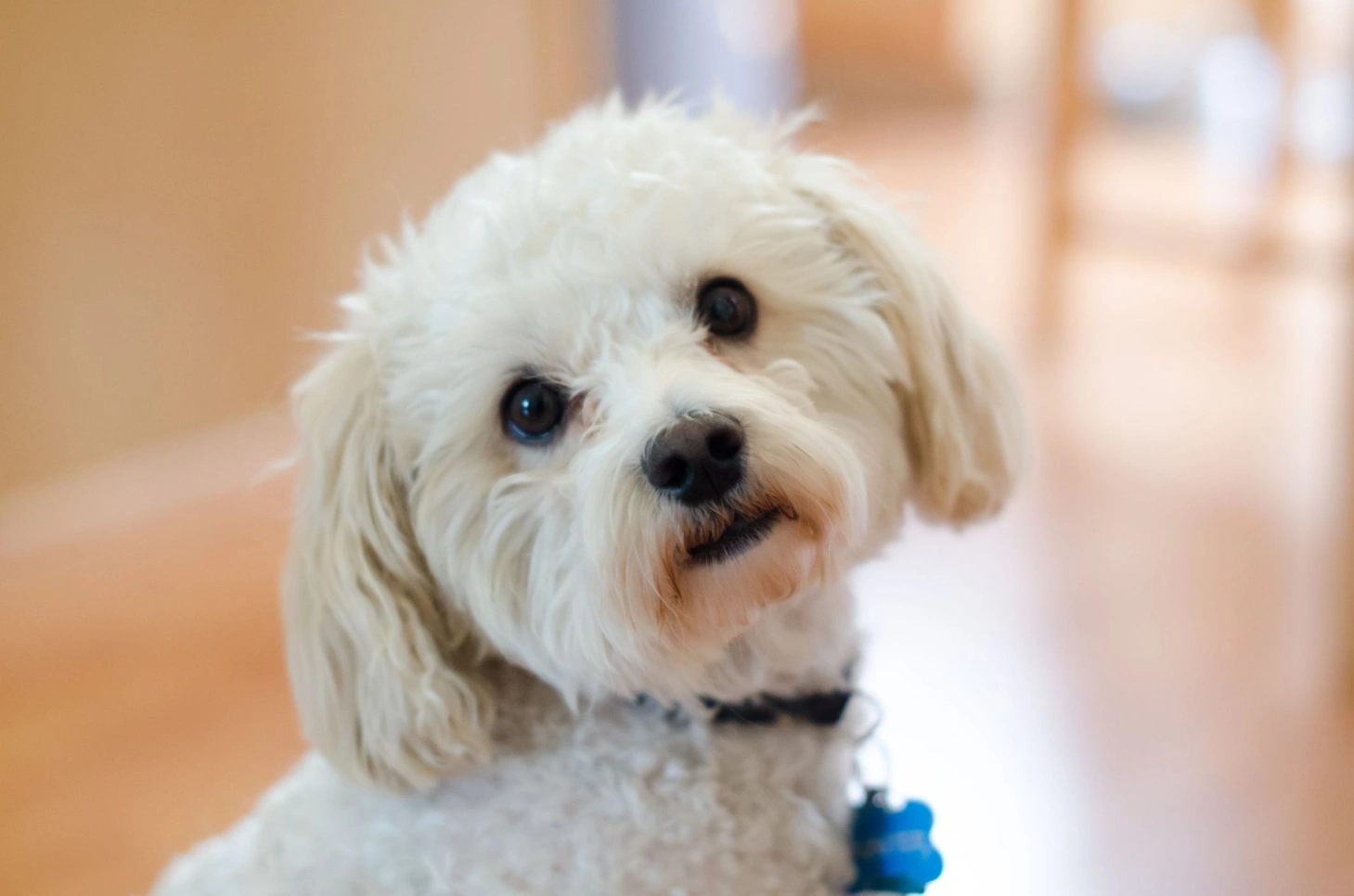
Turning your pets or friends into digital stickers is a popular way to communicate. With the Background Remover, isolating a specific person or animal from a casual photo is straightforward. You simply remove background to obtain a clean cutout, which you can then share in messaging applications or use for personal digital art projects.
AI-Powered Precision
Our Background Remover utilizes advanced machine learning models trained on diverse datasets to identify subjects accurately. It processes intricate details (like human hair or animal fur) without leaving jagged edges.
Fully Automated Processing
You do not need to use manual lasso tools or clipping paths. The engine analyzes the visual data and will remove background automatically, delivering a transparent result without requiring complex user intervention.
High-Resolution Export
Preserving image quality is a priority. After you remove background, the tool exports your file in its original resolution, ensuring that high-definition photos remain clear and suitable for professional printing.
Online Browser-Based Tool
Enjoy the convenience of an online utility. You can access the Background Remover directly through your web browser, meaning there is no need to download or install heavy desktop software to process your images.
Cross-Device Compatibility
Whether you are working from a desktop computer, a tablet, or a mobile phone, our tool adapts seamlessly. The responsive Background Remover supports all devices, allowing you to remove background from photos anywhere.
Free Trial Credits
We welcome new users with complimentary credits to test the capabilities of our platform. Simply create an account and log in to receive your free credits, giving you the opportunity to remove background from your initial batch of images.