
AI Image to Video Generator
Bring your photos to life with one click. Whether it's a single picture or a merged creation from our AI Image Combiner, transform images into smooth, dynamic videos for free effortlessly.
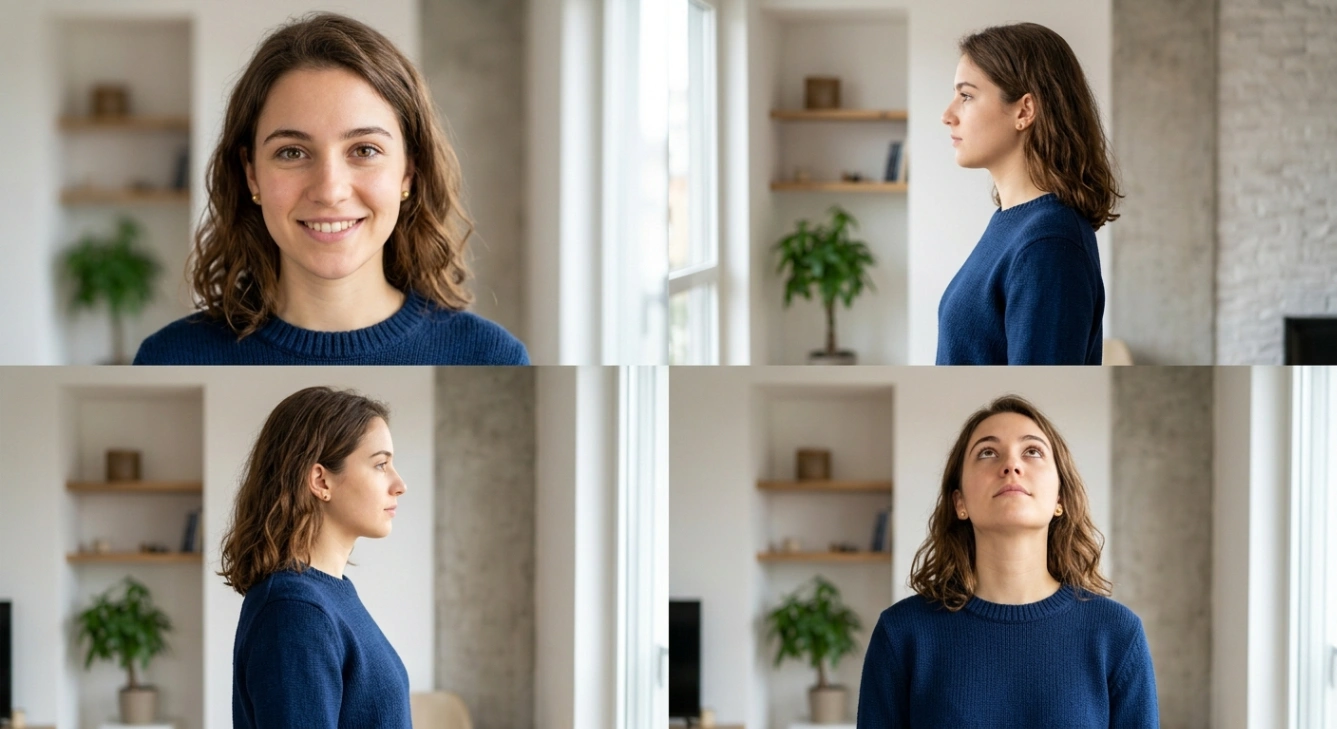
Standard Image to Video Mode
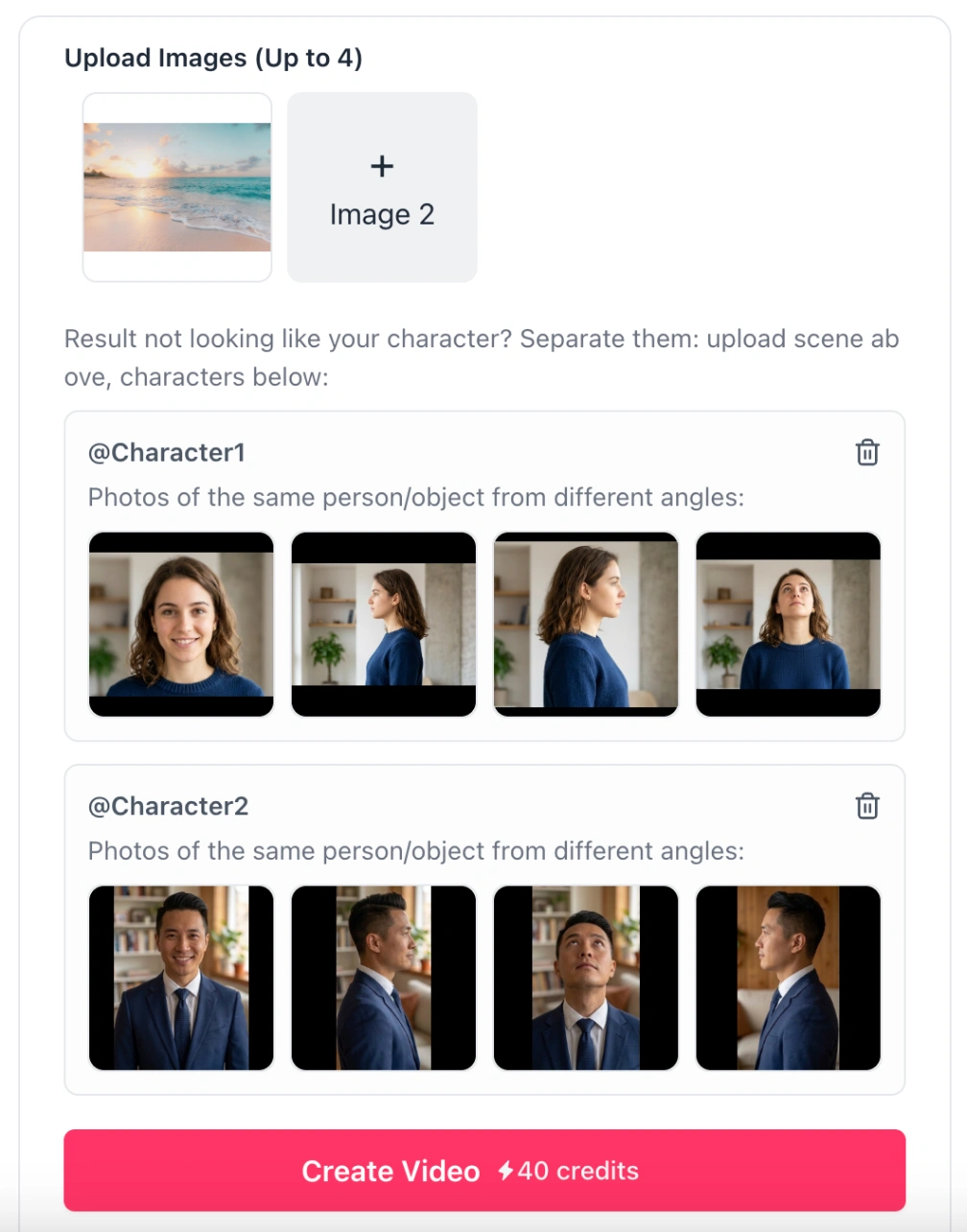
In the default mode, you simply upload a single image and provide a text prompt. The Image to Video AI analyzes the scene to add natural movements (such as wind blowing hair or subtle facial expressions), making it ideal for portraits and landscape animation.

Advanced Multi-Shot Video
For more complex storytelling, the multi-shot video mode allows you to generate up to 5 consecutive shots from a single base image. You can define unique prompts and durations for each shot (minimum 3 seconds), creating a cohesive narrative sequence up to 15 seconds long.
First/Last Frame Control
Achieve precise transition effects with the First/Last Frame mode. By uploading a mandatory start image and an optional end image, the AI generates a smooth evolution between the two states, which is perfect for morphing effects or specific action sequences.
Top-Tier AI Models
We support the latest video generation technology, including Kling 3.0 Pro (known for high physical realism), Seedance 2.0 (Hollywood movie-level capabilities) and Grok Imagine Video (excellent at understanding creative prompts), ensuring your Image to Video results are professional and high-fidelity.
Flexible Output Specs
Create videos in various aspect ratios including 16:9, 9:16 (vertical for social media), and 1:1. The tool supports high-definition resolutions up to 1080p and can optionally generate synchronized audio, sound effects, or dialogue.
Negative Prompt Control
Ensure high quality by using negative prompts. You can instruct the AI Video Generator to exclude specific unwanted elements, such as blur, distortion, or low-quality textures, to refine the final output.
Seamless Workflow
Our tool is designed to work perfectly with the AI Image Combiner. You can create a composite image and immediately use the Image to Video feature to animate it, streamlining your creative process.
Diverse Generation Modes
Unlike basic video tools, we offer three distinct AI video modes (Standard, multi-shot video, and First/Last Frame) to cover everything from simple animations to complex storytelling requirements.
Realistic Motion
Powered by Veo 3.1, Kling 3.0 Pro and Seedance 2.0, the generated videos feature accurate physics and lighting, ensuring that movement looks natural rather than artificial or warped.
Free and Accessible
Start creating immediately with our free access tier. The interface is user-friendly and runs entirely in your cloud browser, saving your device's resources.
Content Consistency
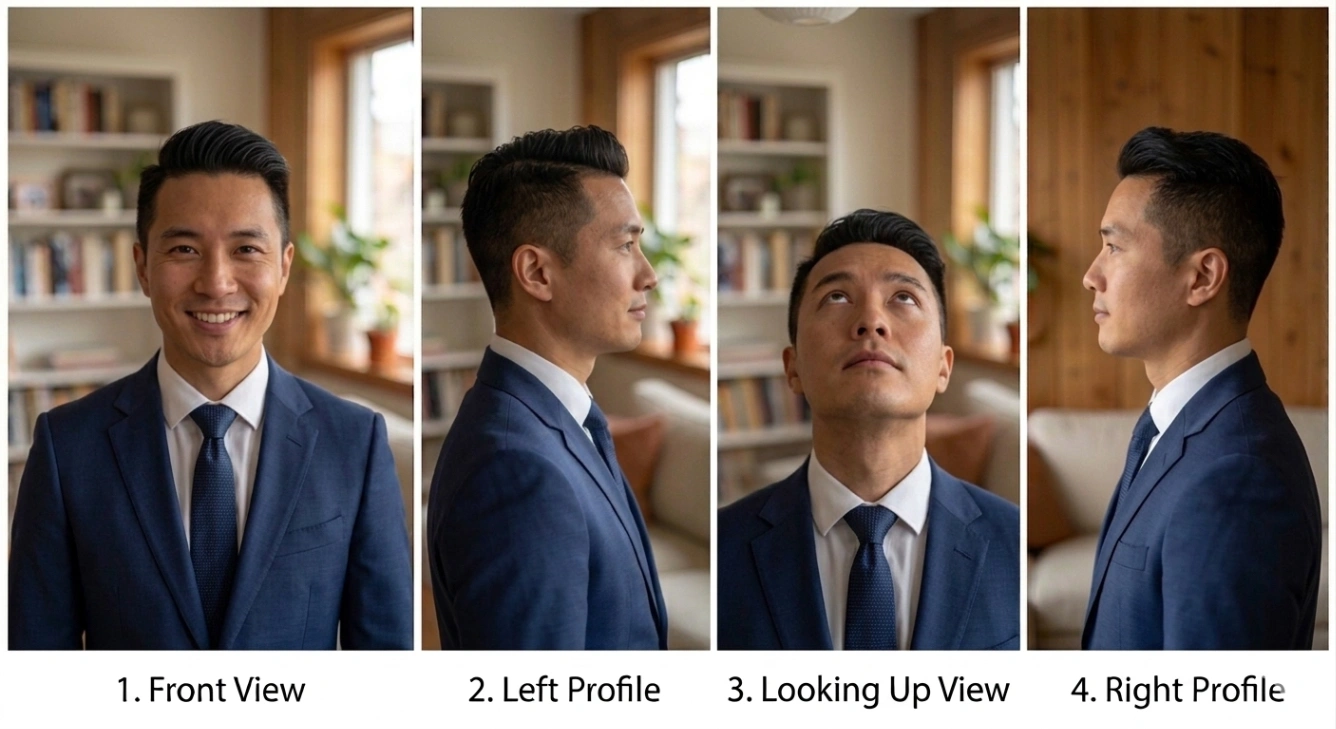
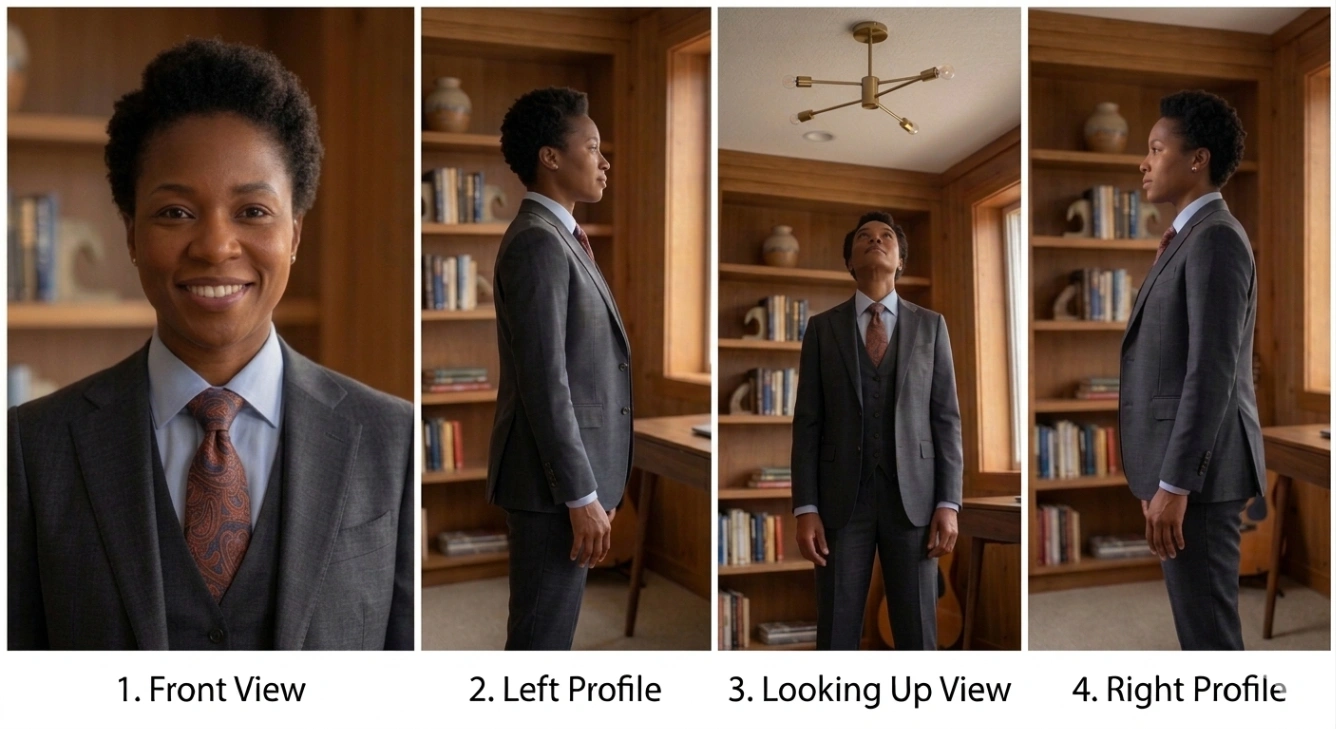
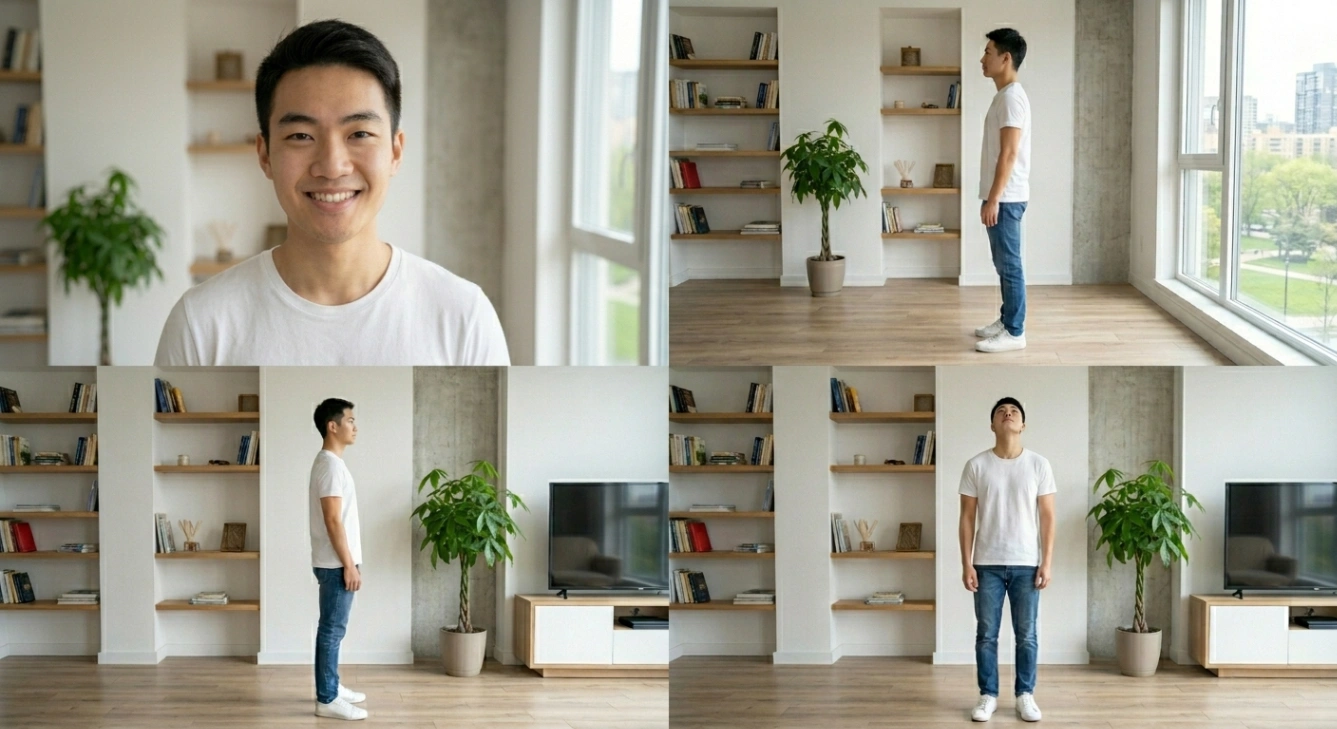
Our technology excels at maintaining character and scene consistency across frames, which is critical when producing professional content for marketing or entertainment.
Social Media Ready
With native support for vertical video (9:16), you can create engaging content tailored for platforms like TikTok, Instagram Reels, and YouTube Shorts in minutes.
Viral Social Media Content
Stand out on TikTok and Instagram Reels by creating impossible scenarios. Use the Image Combiner to merge yourself into dream locations or fantasy scenes, then animate them to create trending short videos that grab attention instantly.
E-Commerce & Product Showcases
Boost sales without expensive shoots. Merge your static product photo with a professional lifestyle background using AI, then apply motion (like flowing water or drifting smoke) to create high-converting product videos.
High-Impact Digital Ads
Create commercial-grade ads in minutes. Combine models, products, and branded environments into one flawless composite, then generate realistic video ads that stop the scroll on Facebook and YouTube.
Cinematic Storytelling & Trailers
Maintain character consistency by blending your character into different backgrounds first. Then, use our multi-shot video mode to stitch these scenes into coherent, Hollywood-style movie trailers or storyboards.
Dynamic Education Materials
Transform boring lectures into engaging visual journeys. Fuse historical figures, maps, and diagrams into a unified composition, then animate specific elements to create educational videos that captivate students.
Emotional Tributes & Memories
Bring history to life. Blend multiple old family photos to reconstruct a complete memory, then animate the faces and environments to create touching tribute videos for weddings, memorials, or family reunions.