
15 Best Gemini & ChatGPT AI Couple Photo Prompts (Realistic & Copy-Paste)
Updated: July 6, 2026
By Liam Vance, Senior Image Processing Engineer
Many people want to create a realistic photo with their partner but lack a high-quality picture together. Others simply want to see what they would look like in a classic vintage style.
Today, combining two separate portraits into a single, natural-looking couple photo is highly achievable using advanced generative tools like AI Couple Photo Maker. By leveraging multi-modal artificial intelligence systems like Google Gemini and OpenAI ChatGPT, we can blend two individual selfies into a cohesive scene.
In my experience, however, achieving a natural result requires very precise parameters. If you are searching for a reliable gemini couple photo prompt, you likely know that standard, generic text inputs often struggle to preserve distinct facial features. This typically leads to mismatched lighting or distorted details. To solve these alignment issues, I spent several weeks testing different prompt variations. In this article, I share the prompt-writing formula that consistently worked during my tests, provide a curated list of ready-to-use AI couple photo prompts, and outline the technical guidelines needed to keep your results realistic.
If you do not want to spend time tweaking text prompts, you can bypass the manual setup and use AI Couple Portrait Generator to instantly blend photos with stable facial alignment.
Free trial credits on signup (no design skills needed)
The Universal Formula for AI Couple Blending
To write an effective prompt for couple photos, you do not need to follow a rigid, word-for-word template. Instead, think of a prompt as a flexible combination of modular components. The most stable and predictable results typically come from combining these four key elements, which can be rearranged to fit different scenarios:
[Core Action Verb] + [Subject Mapping] + [Scene & Pose] + [Aesthetic Style & Lighting Details]
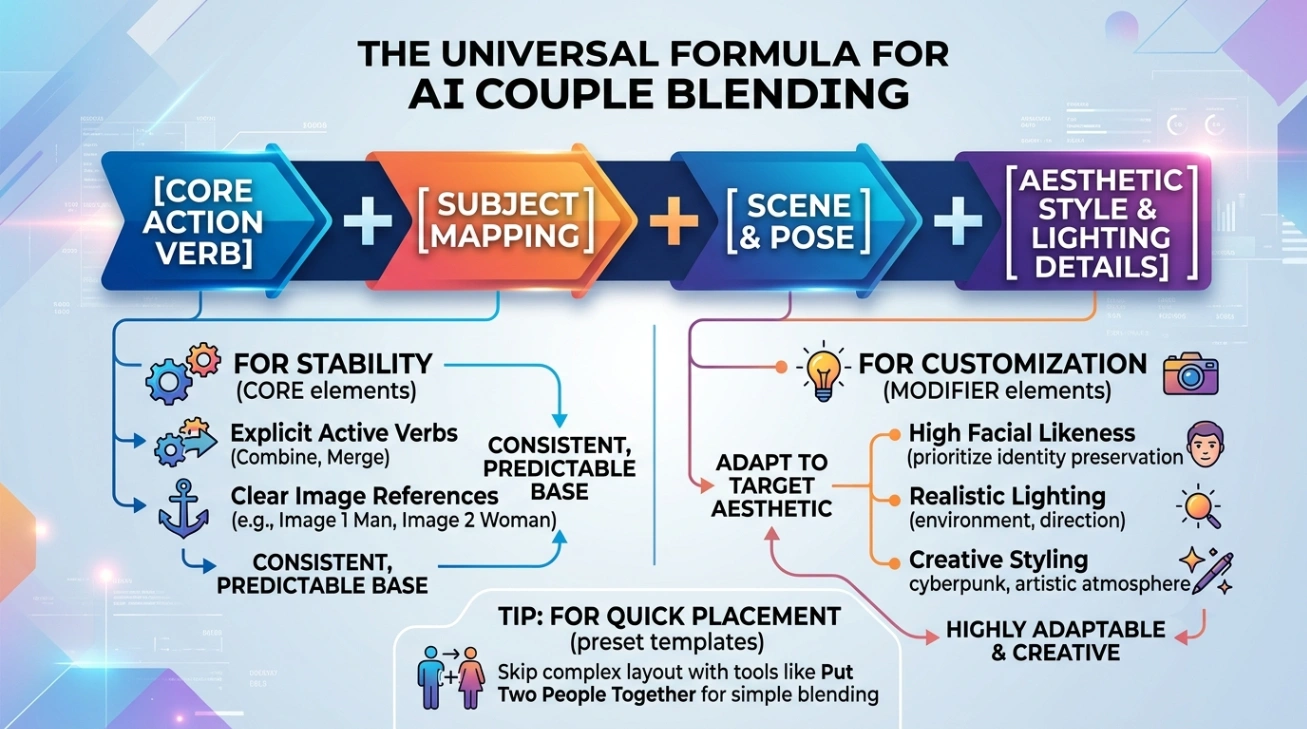
These modules are highly customizable depending on your target aesthetic, allowing you to adapt the structure to match your creative goals:
- The Core Action and Subject Mapping (For Stability): Using explicit active verbs (such as "Combine", "Merge", "Map", or "Create a photo of") alongside clear image references (such as "the man/woman from Image 1", "Person A and Person B", or "the couple from Image 1 and Image 2") is highly recommended. Specifying these details provides the AI with clear anchors, making the final output much more consistent and closer to your expectations.
- The Scene, Pose, and Style Modifiers (For Customization): Depending on your target aesthetic, you can easily adapt these sections:
- For high facial likeness: Add specific focus instructions, such as: "prioritizing high-fidelity identity preservation, keeping facial structures unaltered".
- For realistic lighting: Describe the environment's light direction and quality, such as: "warm sunset backlight creating golden rim light, shallow depth of field".
- For creative styling: Guide the overall artistic atmosphere, such as: "apply consistent cyberpunk styling while keeping their faces recognizable".
By combining these modules organically, you give the model the precise context it needs to deliver a natural, high-quality blend.
If you want to place two faces onto a preset holiday or wedding template without writing complex layout instructions, tools like Put Two People Together can handle the positioning automatically.
Verified AI Couple Photo Prompts & Templates
Below are the most effective templates and style prompts, verified across advanced image blending models. Copy and paste these detailed instructions directly, replacing placeholders as needed.
☕ Cozy Scenes & Daily Life
Daily-life setups avoid artificial, stiff poses and make your AI-generated portraits look highly authentic.
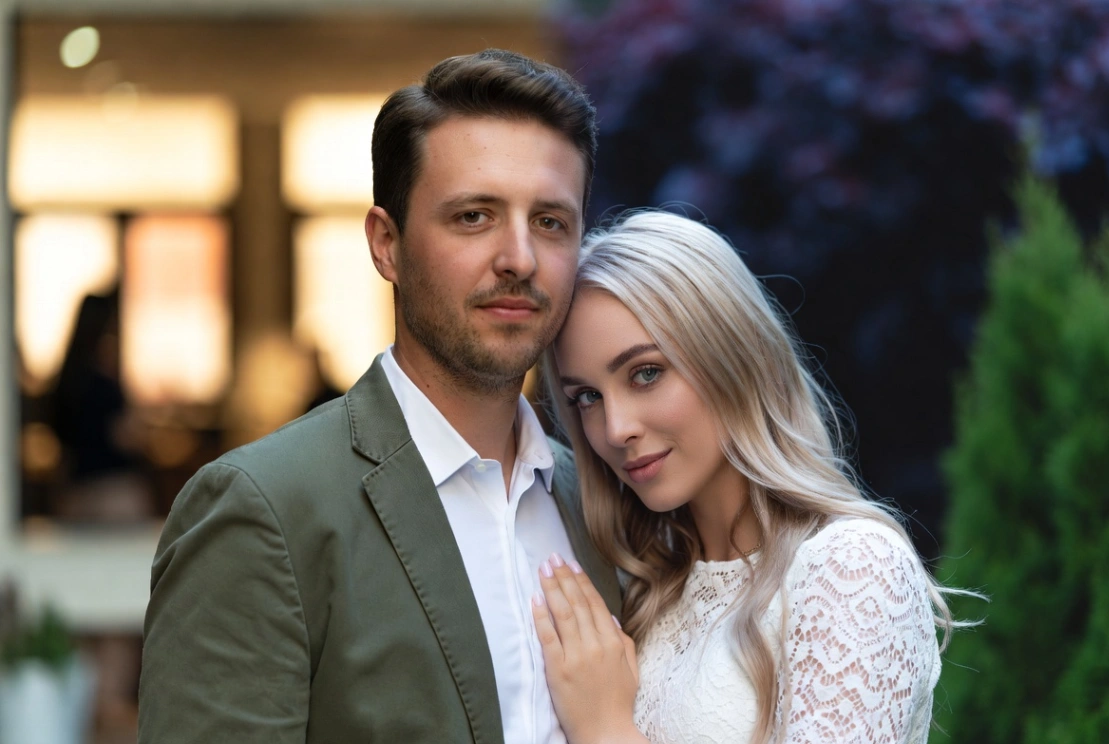
Prompt 1: Virtual Reunion Merging
Best for: Blending two individual portraits into a soft, natural outdoor couple portrait.
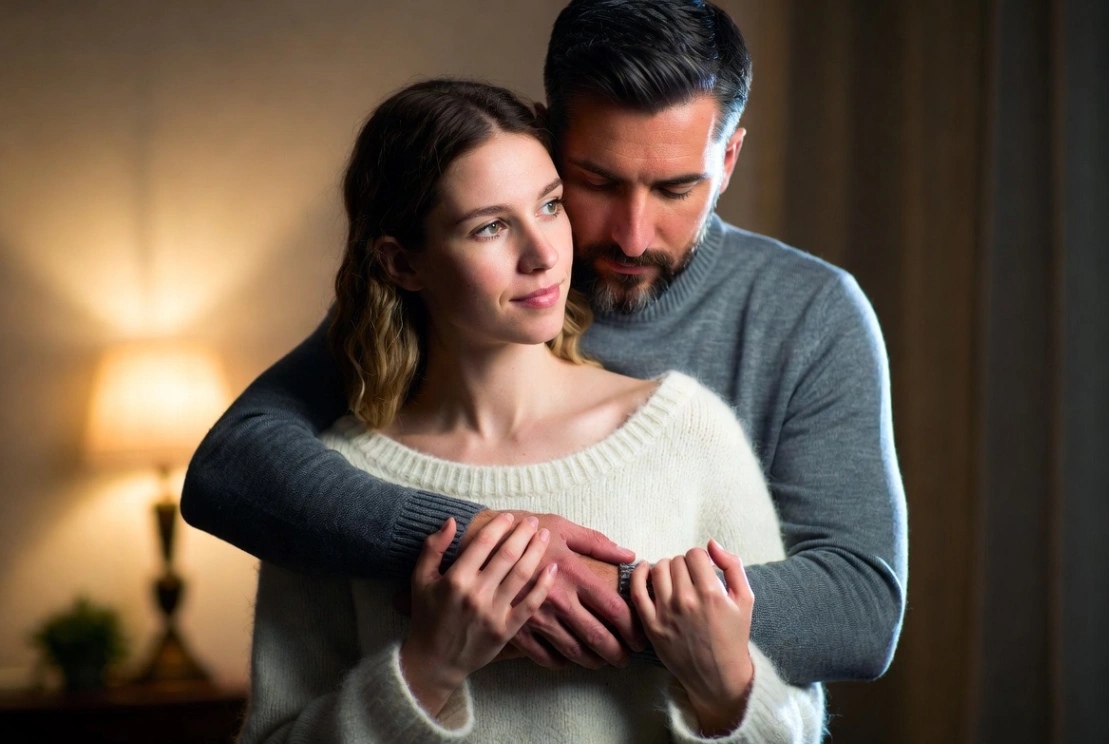
Prompt 2: Intimate Hugging Pose
Best for: Cozy lifestyle photography featuring warm knitwear and comfortable indoor lighting.
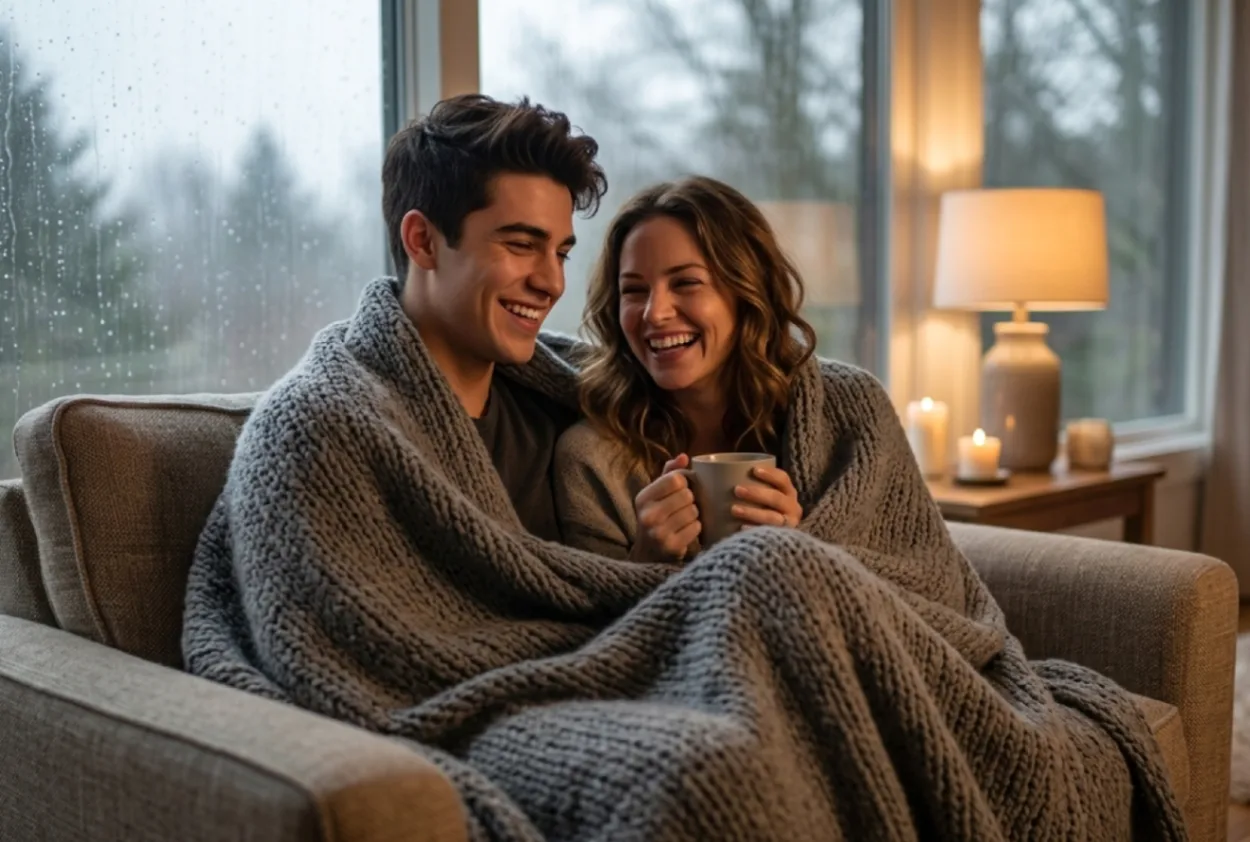
Prompt 3: Cozy Rainy Day Blanket
Best for: A warm, indoor casual portrait on a rainy afternoon.
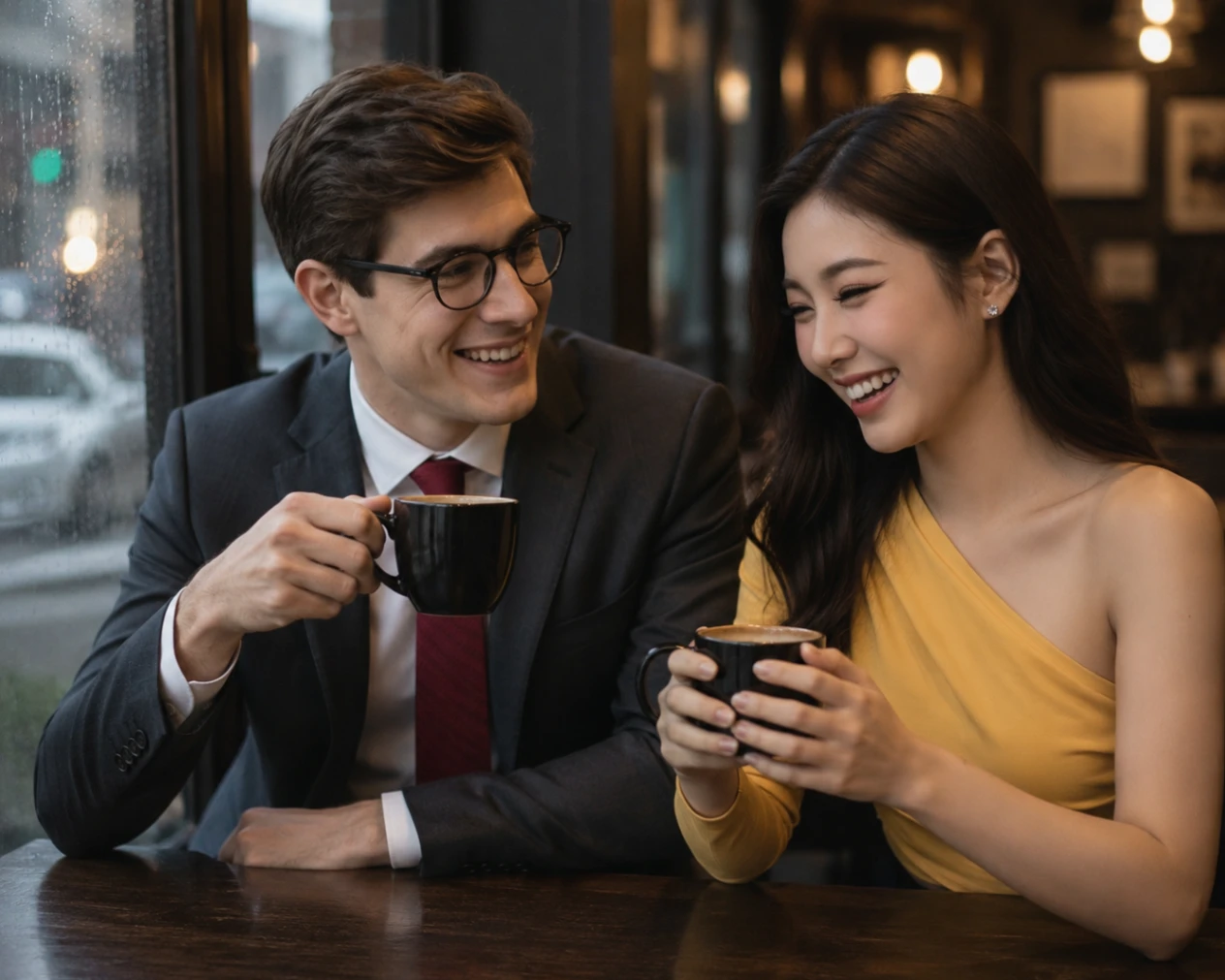
Prompt 4: Aesthetic Café Date
Best for: A cozy, modern social media portrait using a classic couple photo gemini prompt format.
📸 Retro & Vintage Aesthetics
These templates focus on warm tones, soft lighting, and classic camera styles. They are highly effective if you are looking for a nostalgic gemini prompt for couple photo polaroid effect.
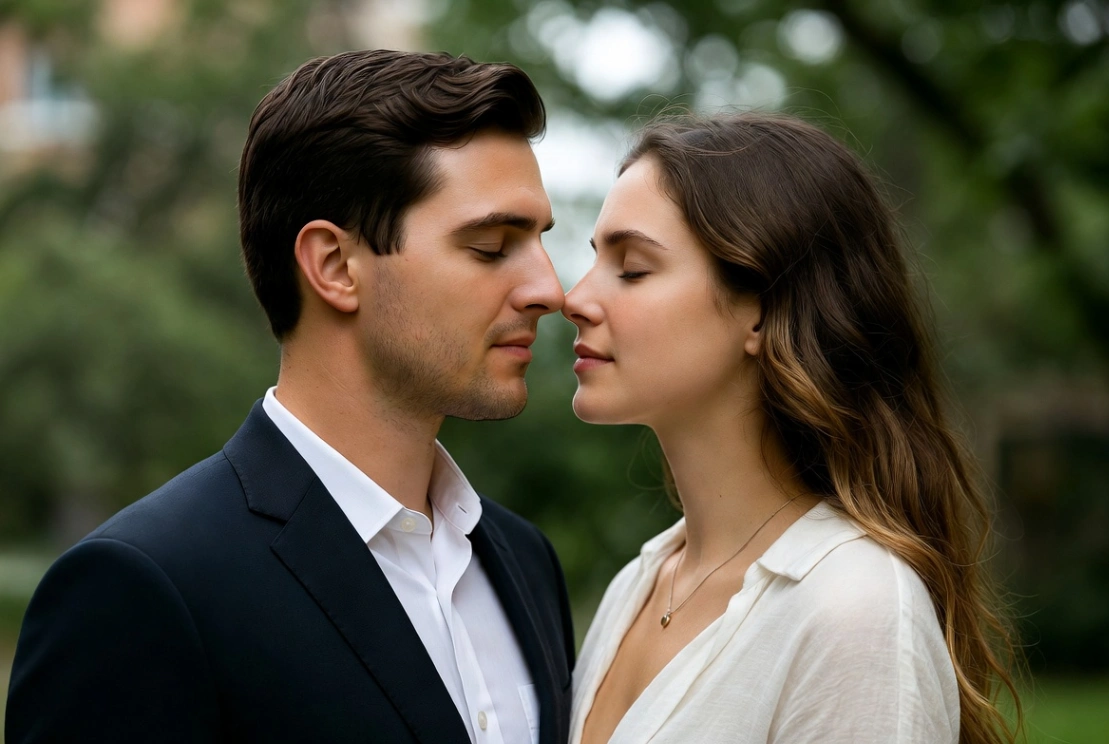
Prompt 5: Identity Preserving Close-Up
Best for: Ultra-realistic close-ups with a focus on profile alignment and high-fidelity facial details.
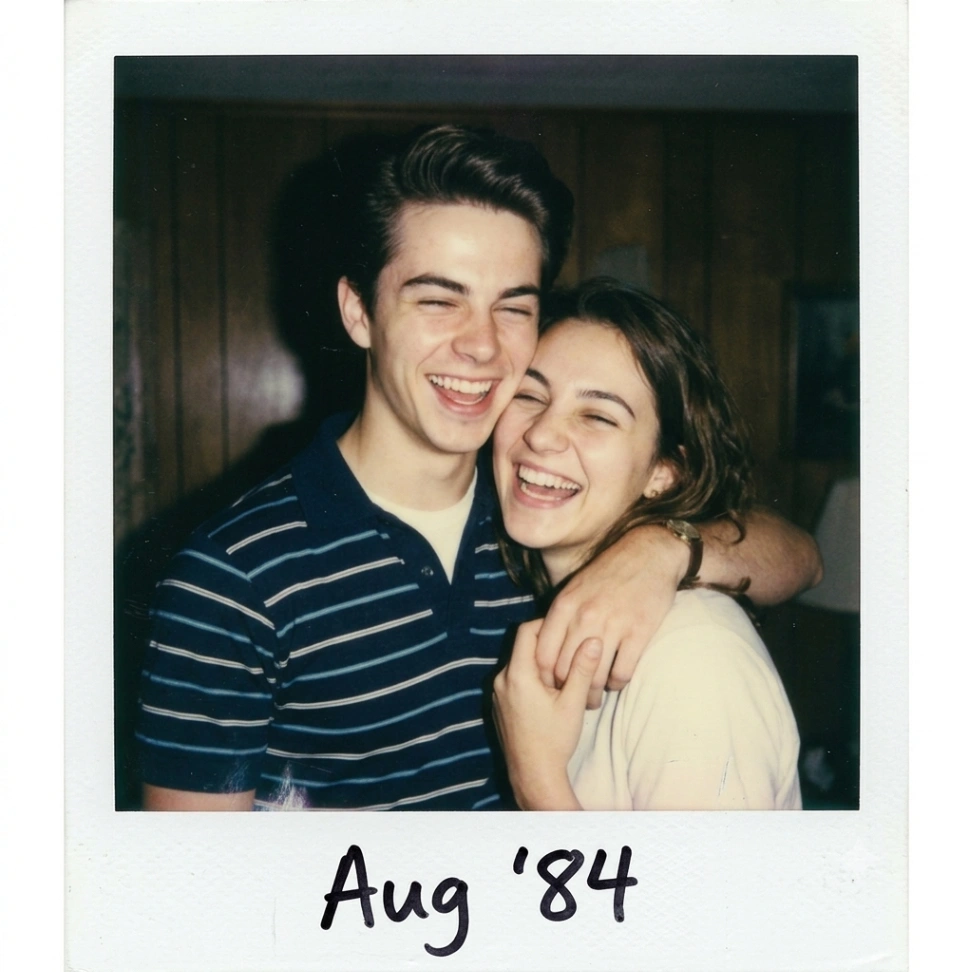
Prompt 6: 90s Polaroid Style
Best for: Creating a classic gemini ai retro style couple photo with high-contrast flash.
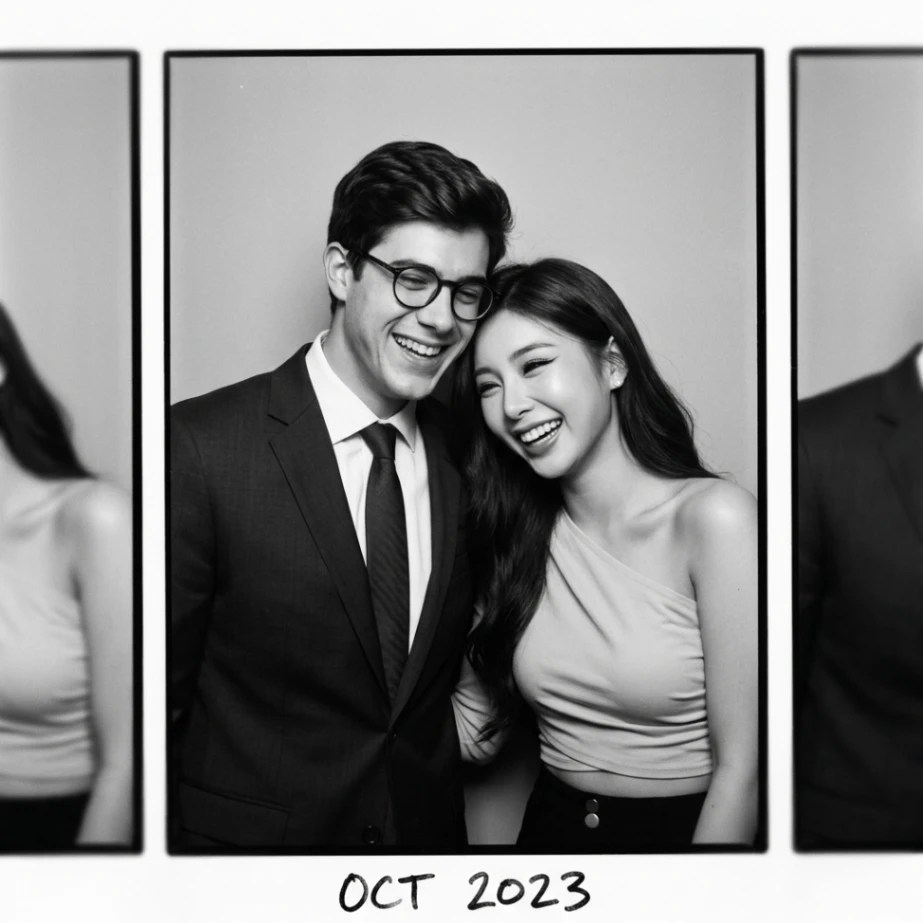
Prompt 7: Classic Photobooth Film Frame
Best for: A nostalgic, horizontal film strip aesthetic featuring a single central pose flanked by cropped adjacent frames.
Prompt 8: Golden Era Black and White
Best for: A sophisticated, timeless monochrome studio portrait.
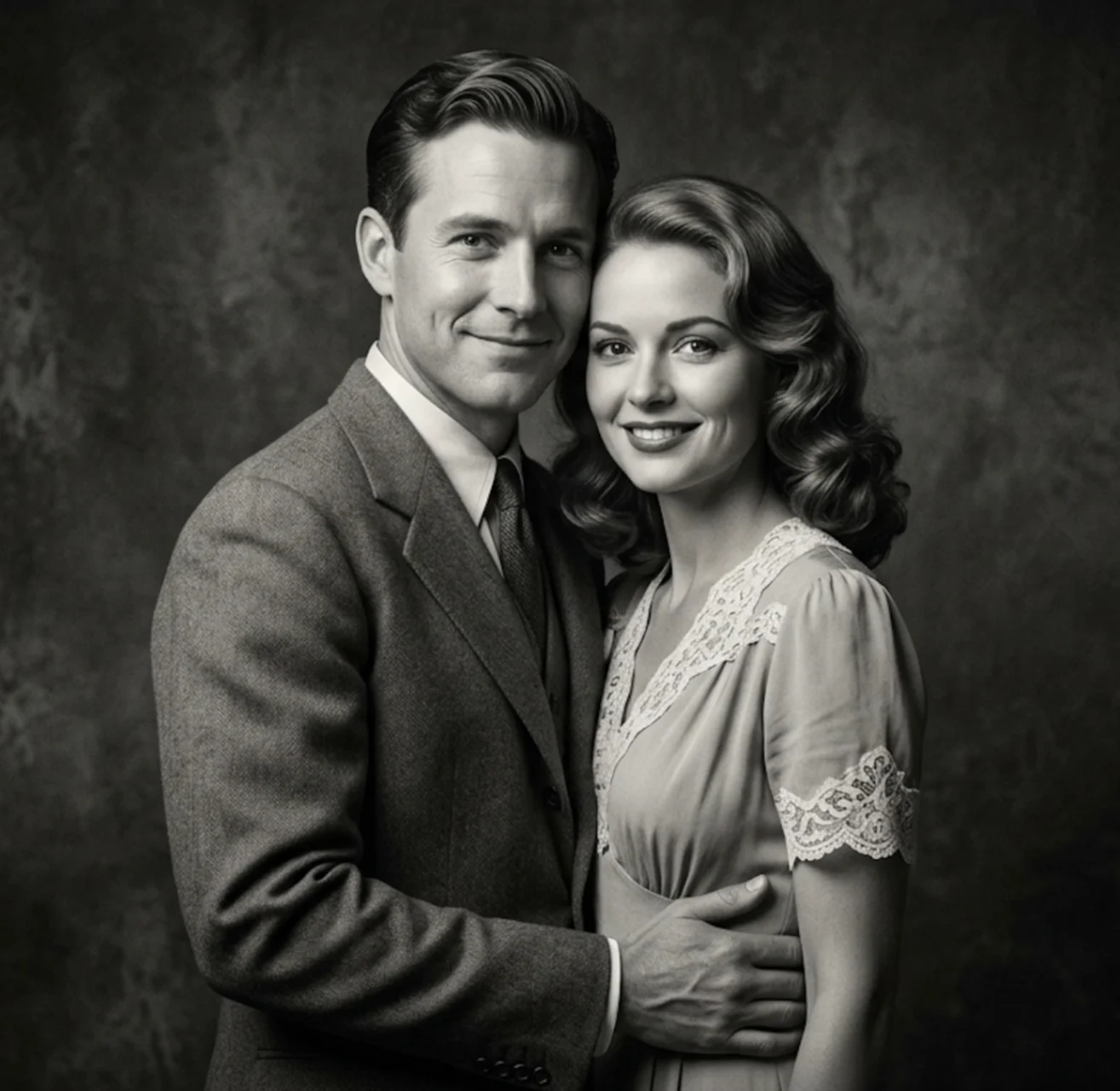
(Note: If you need to adjust the posture of the subjects during the blending process, using a utility like AI Pose Changer helps customize the composition.)
🏖️ Beach & Travel Settings
Outdoor backgrounds require careful lighting adjustments to ensure the blended subjects match the environment.
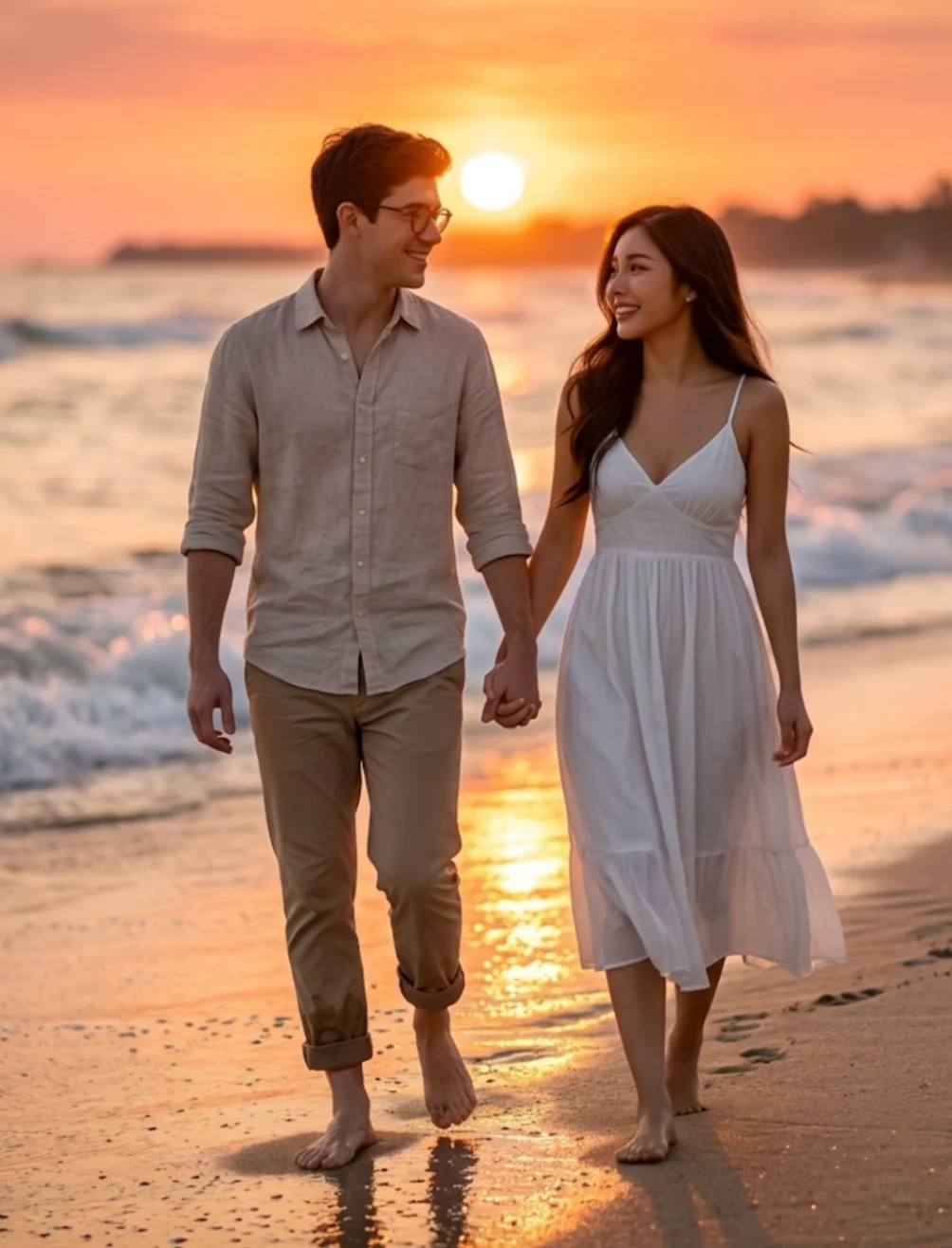
Prompt 9: Golden Hour Beach Sunset
Best for: A romantic sunset scene on the beach. Use this template if you are looking for google gemini prompts couple photos on beach styled shots.
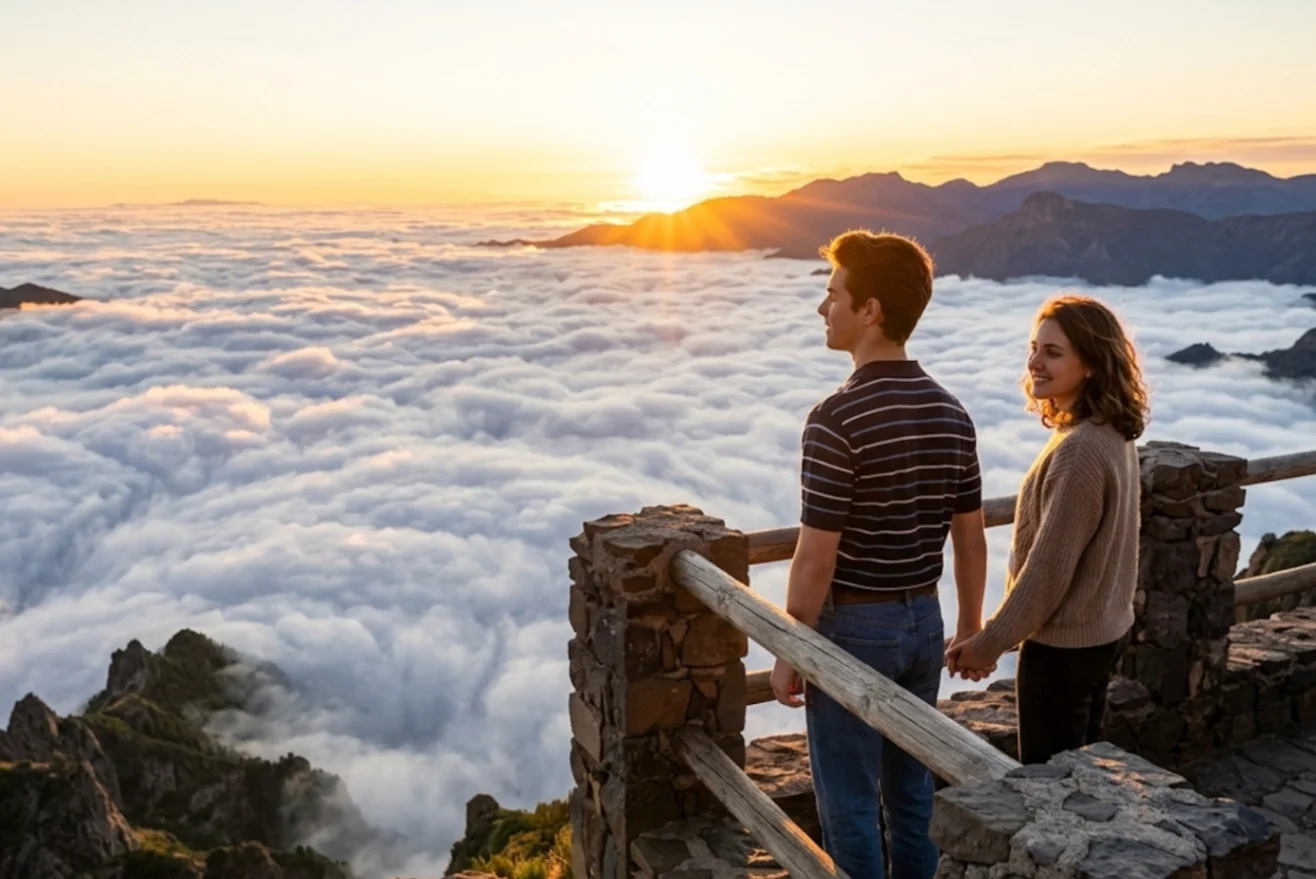
Prompt 10: Mountain Sunrise Adventure
Best for: Travel blog aesthetics and scenic editorial portraits.
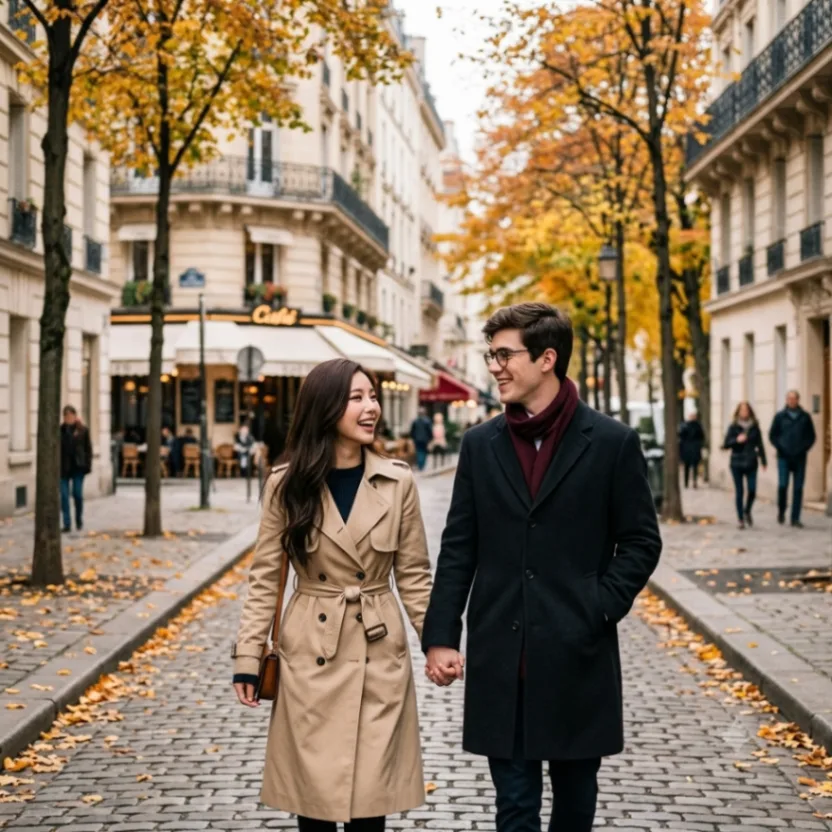
Prompt 11: Autumn Walk in Paris
Best for: A romantic, editorial European travel vibe.
Prompt 12: Eiffel Tower Evening
Best for: A stunning, atmospheric night-time travel portrait.
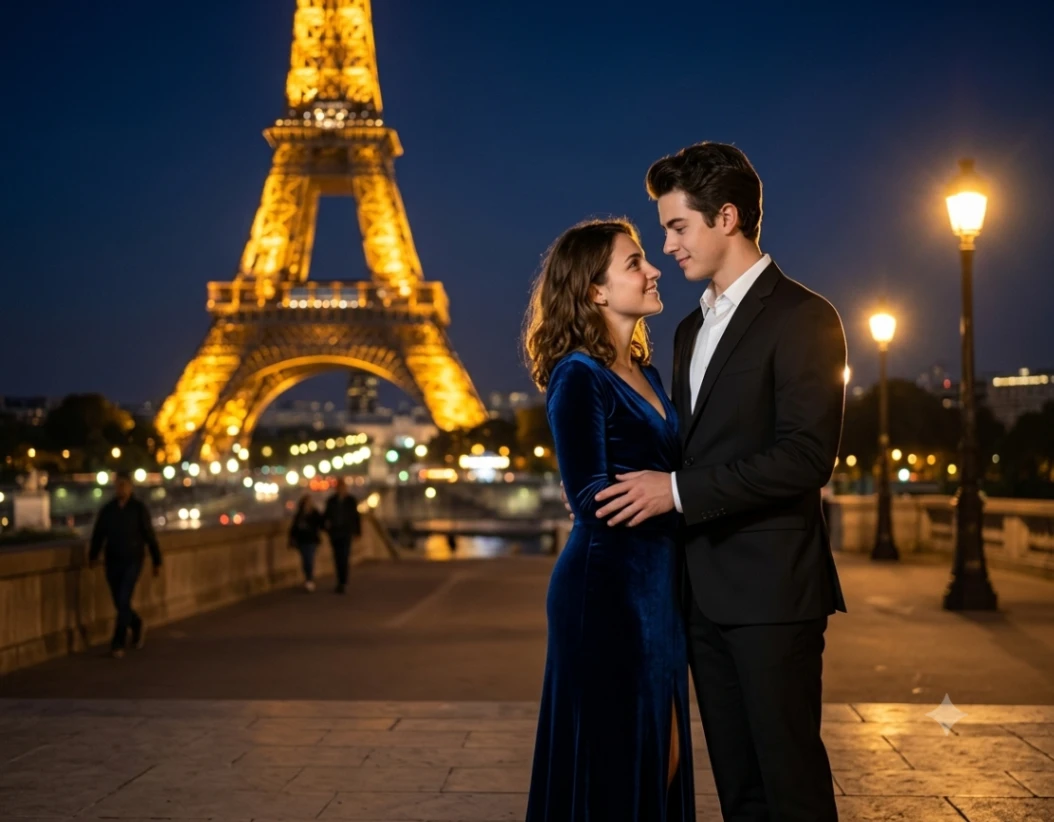
(Tip: If you want to change the background completely while keeping the couple's pose, the AI Image Blender can help merge new environments smoothly.)
👰 Weddings & Creative Themes
Traditional wedding ceremonies and stylized fantasy themes are highly sought after for greeting cards, invitations, and social sharing.
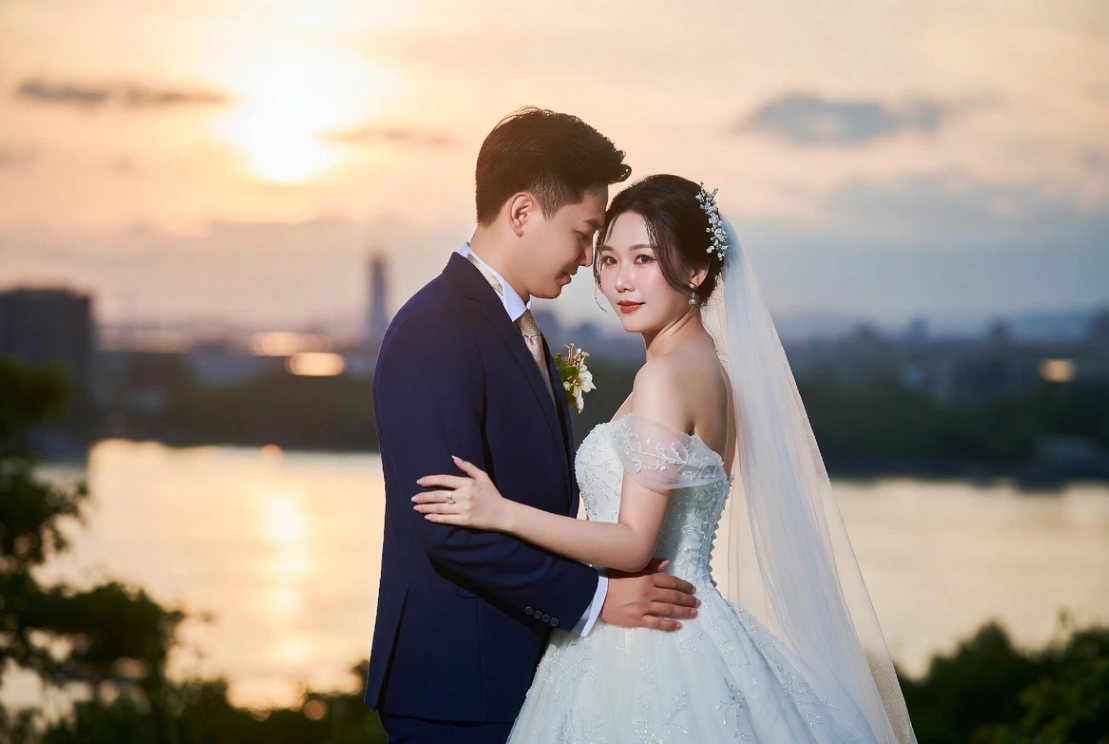
Prompt 13: Romantic Future Visualization
Best for: Seamless wedding style portraits with elegant drapery, navy suits, and backlighting.
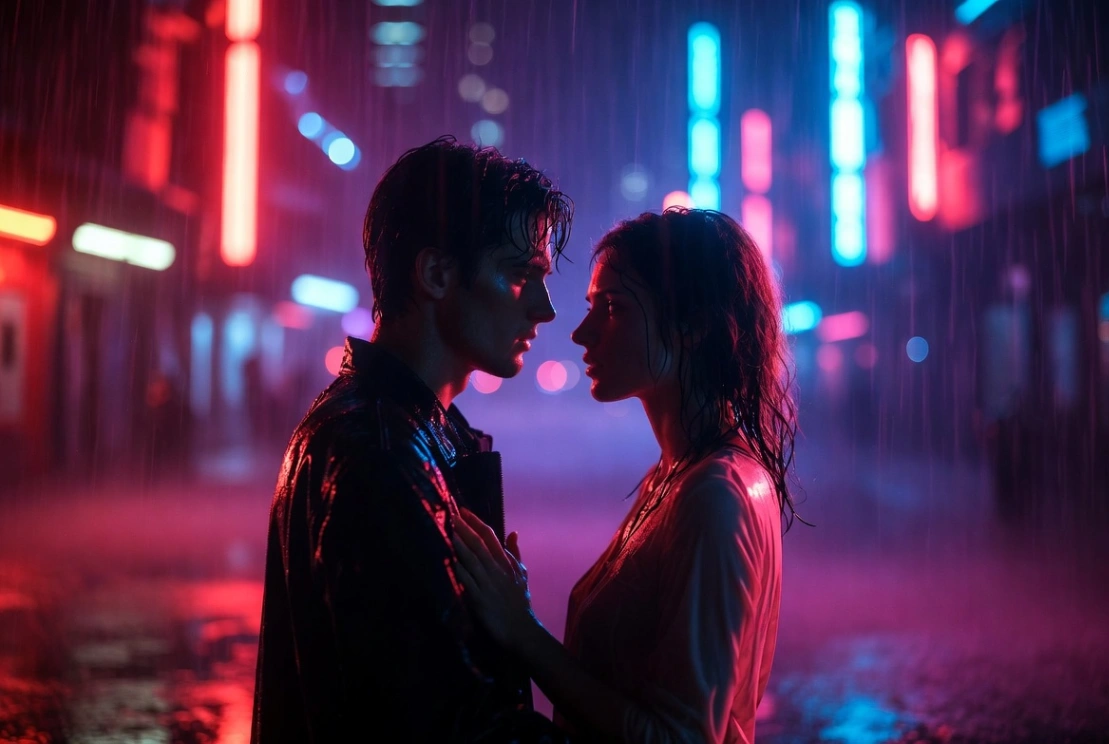
Prompt 14: Custom Stylized Cyberpunk Couple
Best for: Transforming two portraits into a futuristic, highly stylized neon environment.
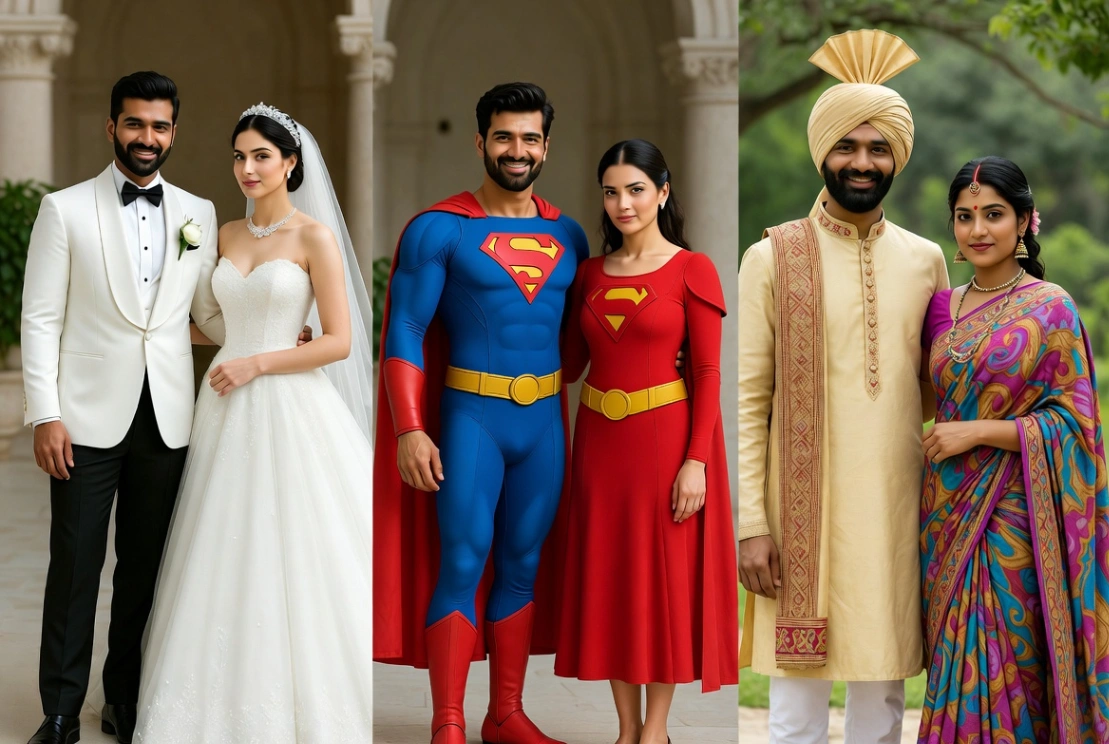
Prompt 15: Outfit Swap & Cosplay
Best for: Mapping facial features onto custom-themed costumes with perfect alignment.
No credit card required (instant preview on all styles)
Technical Best Practices for Face Consistency
Even when using a detailed text prompt, general-purpose AI engines tend to prioritize artistic interpretation over maintaining exact facial likeness. When looking for the best gemini couple photo prompt, understanding these technical details can help you achieve cleaner results:
- Match the Source Lighting: Upload portraits with similar lighting setups. If one photo has strong shadows from the left and the other has flat indoor light, the AI will struggle to balance the final composition naturally.
- Align Face Angles and Clarity: Use clear, front-facing source photos where both individuals are looking directly at the camera with sharp, unobstructed facial features. Merging a side-profile shot with a straight-on portrait often struggles with alignment, leading to distorted or unnatural facial structures.
- Coordinate Shot Scale and Proportions: Use source photos with similar framing, such as both being close-up portraits or both being full-body shots. Combining a close-up selfie (taken from 0.5 meters away) with a distant wide-angle shot (taken from 10 meters away) often causes severe perspective and resolution mismatches. This typically results in unnatural body scaling or awkward physical proportions in the final blended image.
- Be Aware of Watermarks: Note that if you are generating images using the free web version of Google Gemini, the output typically includes a default, semi-transparent watermark in the corner. If you require clean, watermark-free images for professional printing or formal invitations, you may need a premium subscription or a dedicated third-party face-swapping tool.
Maintain high face consistency automatically (try for free)
Frequently Asked Questions (FAQs)
How do I tell Gemini or ChatGPT to keep our faces recognizable?
To maintain face consistency, always upload clear, front-facing source photos as "Image 1" and "Image 2". In your prompt text, explicitly refer to them as "the man/woman from Image 1" and "the man/woman from Image 2".
Why does the AI keep blending our two faces into one person?
This is a common issue with general-purpose chat models called "feature bleeding". If this happens, refine your prompt to clearly define their separate physical traits, positions, and clothing. For example, you can write: "The person from Image 1 stands on the left wearing a blue shirt, while the person from Image 2 stands on the right wearing a white dress".
Can I change the clothing or background of the blended couple photo?
Yes. Simply specify the desired clothing and background details in your text prompt. The AI model will use the facial structures from your uploaded images while generating the new clothes and environment as described.