
AI Age Progression: Visualize Your Past and Future Faces
AI Age Progression lets you explore realistic changes in appearance over time. Upload a photo to see natural simulations of future aging or past youth while preserving your unique facial characteristics.
Satisfy Your Future Self Curiosity
Have you ever wondered what you might look like decades from now? Our AI Age Progression system carefully analyzes your current facial structure to project your future appearance. By mapping realistic aging characteristics like skin elasticity changes and hair color shifts, the tool provides an objective visual representation of your older self.
Revisit Your Youth with De-aging
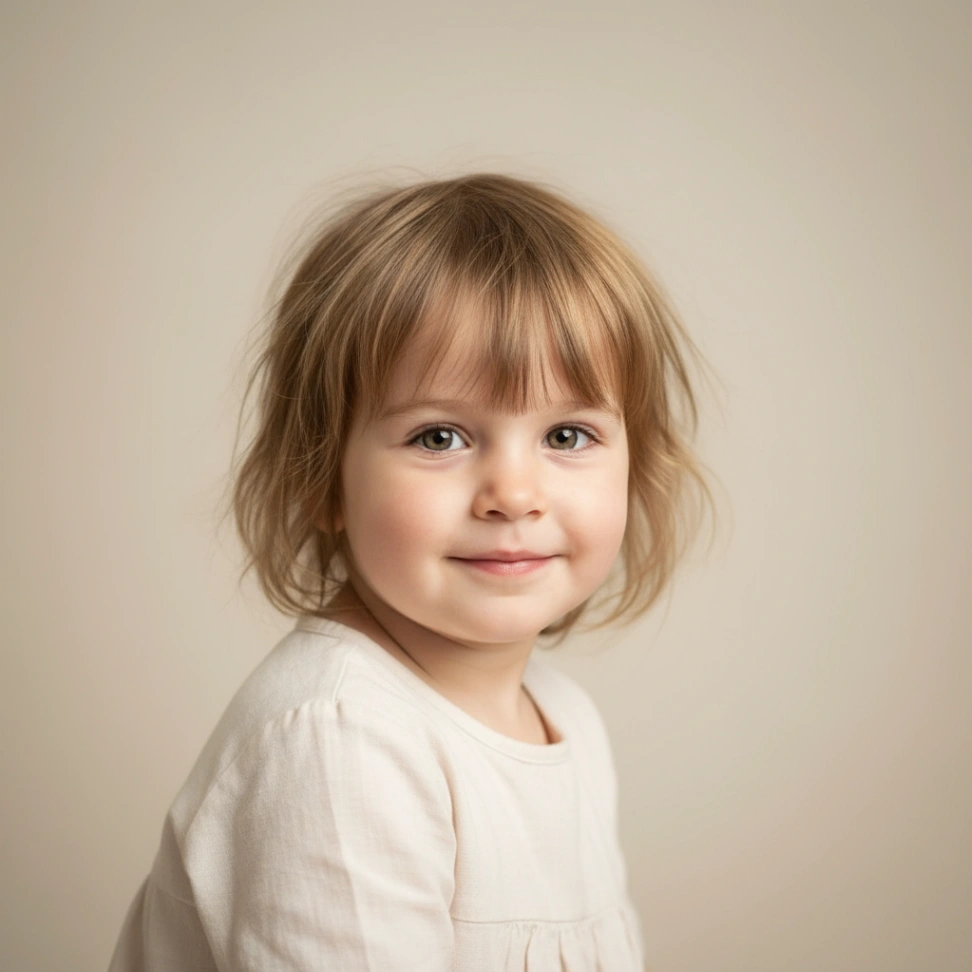
The AI Age Progression technology works in both directions. You can apply a youth filter to an adult portrait to estimate how that person looked during their teenage or childhood years. This feature reconstructs smoother skin textures and rounder facial contours, making it helpful for visualizing past developmental stages.
Forecast Child Growth and Family Traits
Uploading a portrait of a baby or toddler allows the AI Age Progression algorithm to estimate their adult face. Parents often use this capability to observe potential family resemblances. The model evaluates foundational bone structure and interpolates growth patterns to generate a plausible adult version of the child.

Enhance Creative Character Development
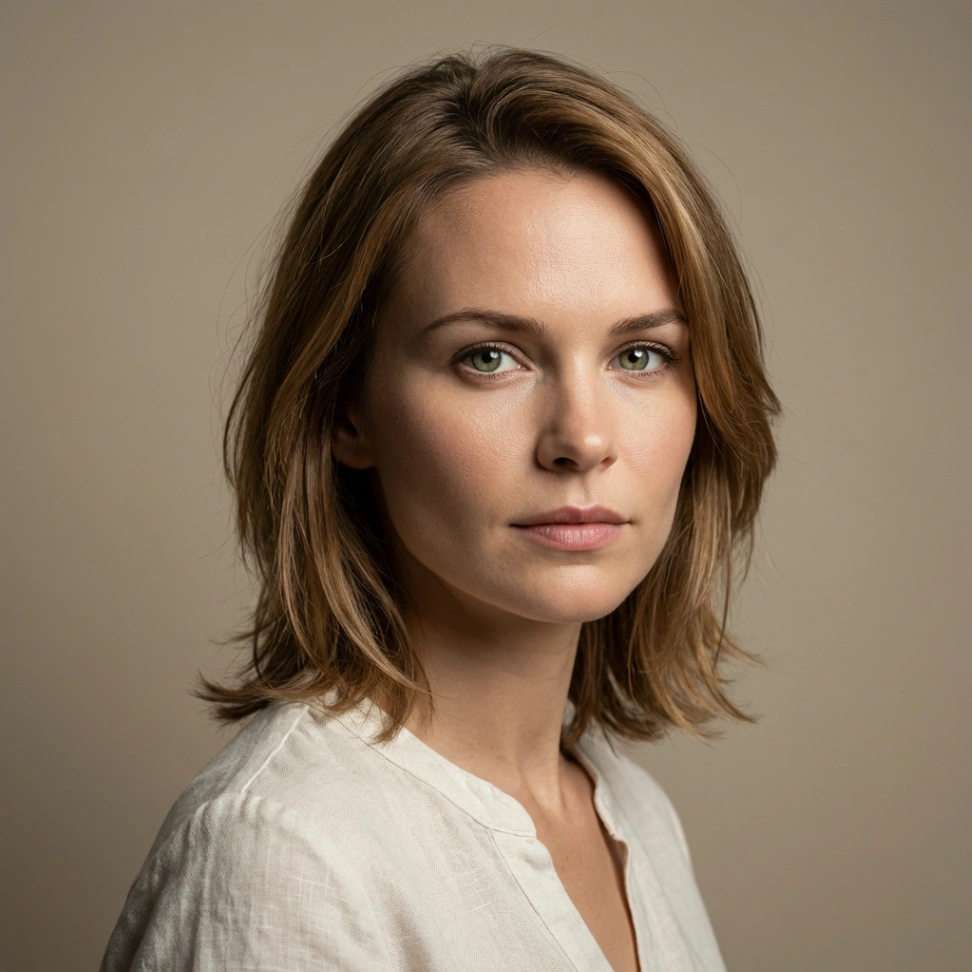
Authors and illustrators require consistent visual references for characters across different timelines. Using our AI Age Progression features, creators can generate accurate portraits of a single character from childhood to old age. This ensures visual consistency without needing to manually draw or design multiple separate portraits.
Engage with Social Media Age Challenges
Participating in online trends (like the popular "then versus now" challenge) is straightforward with our age filter. You can generate a compelling future or past version of yourself to share with your audience. The realistic output provides highly engaging material for your social media feeds.
Design Personalized Milestone Gifts
Create unique birthday cards or anniversary gifts by showing friends or family members a high-quality visualization of their future selves. Our AI Age Progression tool helps you prepare personalized materials that offer a humorous or sentimental look into the future, making your gifts stand out from standard store-bought options.
Multi-Stage Age Control
The AI Age Progression filter categorizes human development into six distinct life stages (Baby, Child, Teenager, Adult, Middle-Aged, and Elderly). This structured approach allows you to seamlessly fast-forward or rewind your apparent age across a complete human lifespan.
Flawless Identity Preservation
Our model is trained to retain fundamental facial geometry. While applying the age filter, your distinct eye shape, natural smile patterns, and underlying bone structure remain consistent, ensuring the final output genuinely resembles your actual identity.
Hyper-Realistic Texture Generation
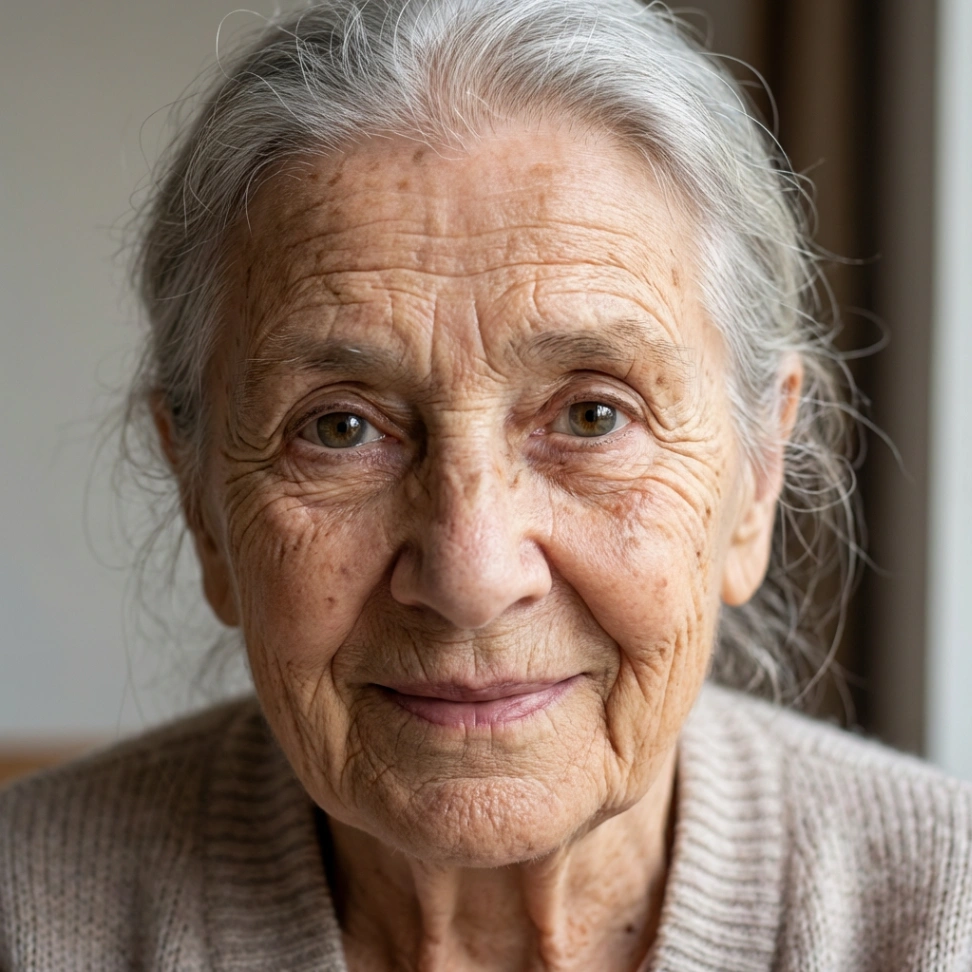
The underlying deep learning algorithm adds biologically accurate aging markers. It intelligently renders realistic age spots, progressive wrinkle depths, and varying degrees of gray hair patterns rather than just overlaying basic graphic filters.
Custom Text Prompt Capabilities
Beyond predefined age stages, you can guide the AI using custom text commands. Entering specific prompts (such as "make me look 70 years old") allows for granular control over the final AI Age Progression output.
Bidirectional Age Transformation
AI Age Progression supports both forward aging to simulate future appearances and backward transformation to recreate younger looks, applying natural patterns such as wrinkle development, hair color shifts, and skin changes while keeping core identity intact.
Broad Photographic Compatibility
The AI Age Progression algorithms are optimized to handle a wide spectrum of input images. Whether you upload adult selfies, professional studio portraits, or childhood photos, the system accurately maps the face to calculate the appropriate transformation.